

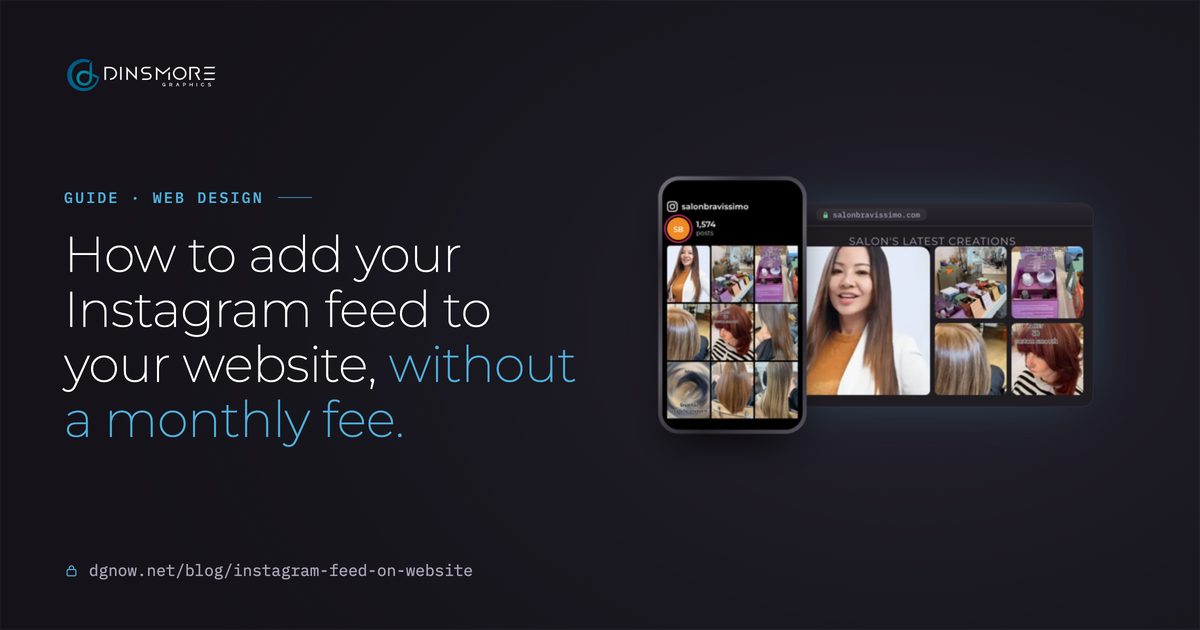
How to add your Instagram feed to your website, without a monthly fee.

Your options, why feeds broke, and a real custom build.

Anthony Dinsmore
Updated Oct 30, 2026
9 min read
Short answer

Use a Business or Creator Instagram account, then show it with Instagram's embed code (one post at a time), a plugin, a widget service, or a custom feed. A custom feed checks Instagram on a schedule, saves light copies of your photos on your own site, and has no monthly fee.

Your Instagram is where you post your newest work. Your website is where customers decide to book. Showing one on the other used to be easy, until Meta changed the rules in December 2024 and many feeds quietly stopped updating. Here is what works now, and what we built for Salon Bravissimo.

without a monthly fee.
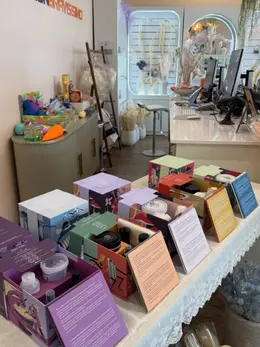
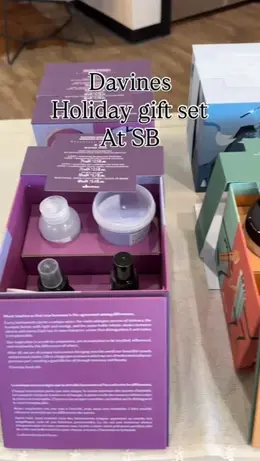
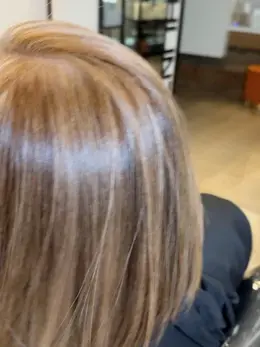
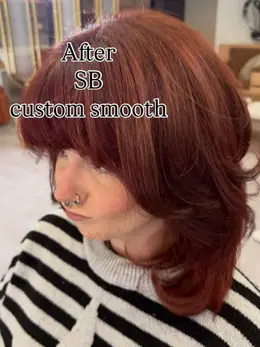
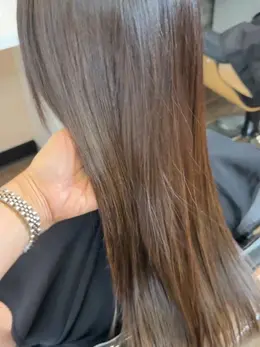
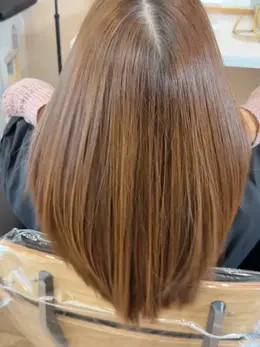
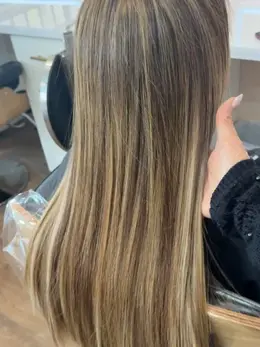
How to add your Instagram feed to your website, without a monthly fee: the salon's Instagram grid on a phone beside its website feed
cv-ig
salonbravissimo.com

Salon's latest creations

A Salon Bravissimo Instagram postA Salon Bravissimo Instagram postA Salon Bravissimo Instagram postA Salon Bravissimo Instagram postA Salon Bravissimo Instagram postA Salon Bravissimo Instagram postA Salon Bravissimo Instagram post
9:41salonbravissimoSalon Bravissimo Instagram profile picture1,576posts1,952followers445following๐•Š๐•’๐•๐• ๐•Ÿ ๐”น๐•ฃ๐•’๐•ง๐•š๐•ค๐•ค๐•š๐•ž๐• Hair SalonFollowMessageA Salon Bravissimo Instagram postA Salon Bravissimo Instagram postA Salon Bravissimo Instagram postA Salon Bravissimo Instagram postA Salon Bravissimo Instagram postA Salon Bravissimo Instagram postA Salon Bravissimo Instagram postA Salon Bravissimo Instagram postA Salon Bravissimo Instagram postSalon Bravissimo Instagram profile picture

Key takeaways

  • Feeds now need a Business or Creator Instagram account.
  • Most feeds that stopped in December 2024 need the account switched and the feed reconnected.
  • A custom feed saves light copies on your site, so it loads faster and never sends visitors to Instagram’s servers.
  • Collab posts owned by another account don’t come through any official feed.
  • Custom means no monthly fee, your own design, and you own it.

Chapter 01Your options

What are the ways to show Instagram on your website?

Four ways: embed one post at a time, add a plugin, pay for a widget service, or have a custom feed built.

All four show your Instagram on your site. They differ in how they update, how fast they load, how much they look like the rest of your site, and whether you pay every month. Pick your answers and the options that fit light up:

Which one fits you?

What do you want on your site?
Paying every month or year?
  • Embed a post

    Instagram's own embed code, pasted onto a page. Free, but one post at a time, and it never updates by itself.

  • Free plugin

    A WordPress plugin with basic layouts. The look and extras usually sit behind a paid upgrade.

  • Paid plugin or widget

    More layouts and a dashboard, for a monthly or yearly fee, often loading from the seller's servers.

  • Custom feed

    Built for your site and your design, with your photos saved on your own server. A one-time build, no monthly fee.

Chapter 02Why it broke

Why did my Instagram feed stop showing on my website?

On December 4, 2024, Meta switched off the old connection most feeds used, so feeds on personal accounts stopped updating.

  1. Before December 2024Any Instagram account, even a personal one, could feed a website.A Salon Bravissimo Instagram post
  2. December 4, 2024Meta switched off the old connection (the Basic Display API). Feeds on personal accounts stopped updating.A Salon Bravissimo Instagram post
  3. TodayFeeds need a Business or Creator account and Instagram's newer connection.A Salon Bravissimo Instagram post
The same feed, before, on the day, and after switching to a Business account and reconnecting.

Old posts often stayed on screen for a while from a cache, which made the feed look fine until you noticed nothing new was coming through. If yours stopped, check these in order:

  • Account type: switch Instagram to a Business or Creator account in its settings. It is free and keeps your followers and posts.
  • Reconnect: disconnect and reconnect the feed in your plugin or widget, so it uses the newer connection.
  • Update: old plugins may not support the newer connection at all.
  • Clear the cache: on the site and in the plugin, so the newest posts can show.

Chapter 03What you need

What do you need before you can show your feed?

A Business or Creator Instagram account, a Meta developer app that can only read your own posts, and a spot on your site to show them.

  1. 1Switch to a Business or Creator account

    In Instagram's settings. Free, and nothing you have posted changes.

  2. 2Register as a Meta developer

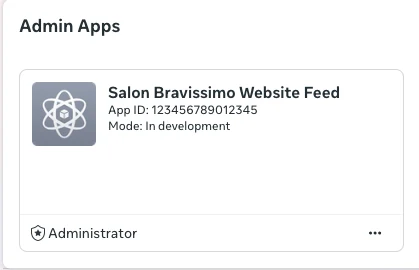
    Free, with your Facebook login, at Meta for Developers. That is what I did for the salon's feed.

  3. 3Create an app for the feed

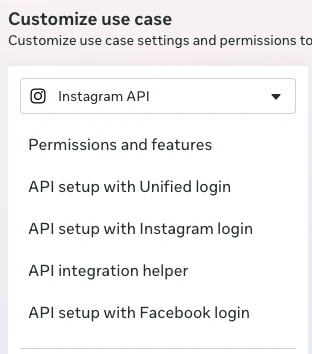
    Choose the Instagram use case and give the app a plain name, like "Your Business Website Feed".

  4. 4Allow reading only

    The app asks for one permission: to read your own profile and posts. It can't post, message or change anything.

  5. 5Connect the account

    Your Instagram account approves the app, and your site gets a private key that renews itself and never appears on the page.

developers.facebook.com/apps
The Salon Bravissimo Website Feed app in the Meta developer dashboard, in development mode
Use cases
The app's use case: the Instagram API, with permissions and the Instagram login setup
The app behind the salon's feed, and its Instagram setup, in the Meta developer dashboard. The app ID and profile picture are replaced with made-up ones.

The app can stay in development mode for a single business feed. It only needs Meta's full review if other people's accounts will log in to it.

Chapter 04How it works

How does a custom Instagram feed work?

Once an hour your site asks Instagram for new posts, saves light copies of the photos, and shows them in your own design.

  1. Your InstagramNew post
  2. Every hourYour site checks for new posts
  3. WebPWebPWebPSaved on your siteLight copies, about 40 KB each
  4. A Salon Bravissimo Instagram postA Salon Bravissimo Instagram postA Salon Bravissimo Instagram postA Salon Bravissimo Instagram postYour designGrid, pop-up, Load more
Key renews itself every day
Visitors only ever load the saved copies, from your own site. Instagram is asked once an hour, by your site, not by every visitor.

Because the photos are saved on your site, the feed keeps showing your latest posts even if Instagram is slow or down, and your visitors' browsers never talk to Instagram at all. If the newest posts haven't changed, nothing is downloaded.

Chapter 05The real build

What did we build for Salon Bravissimo?

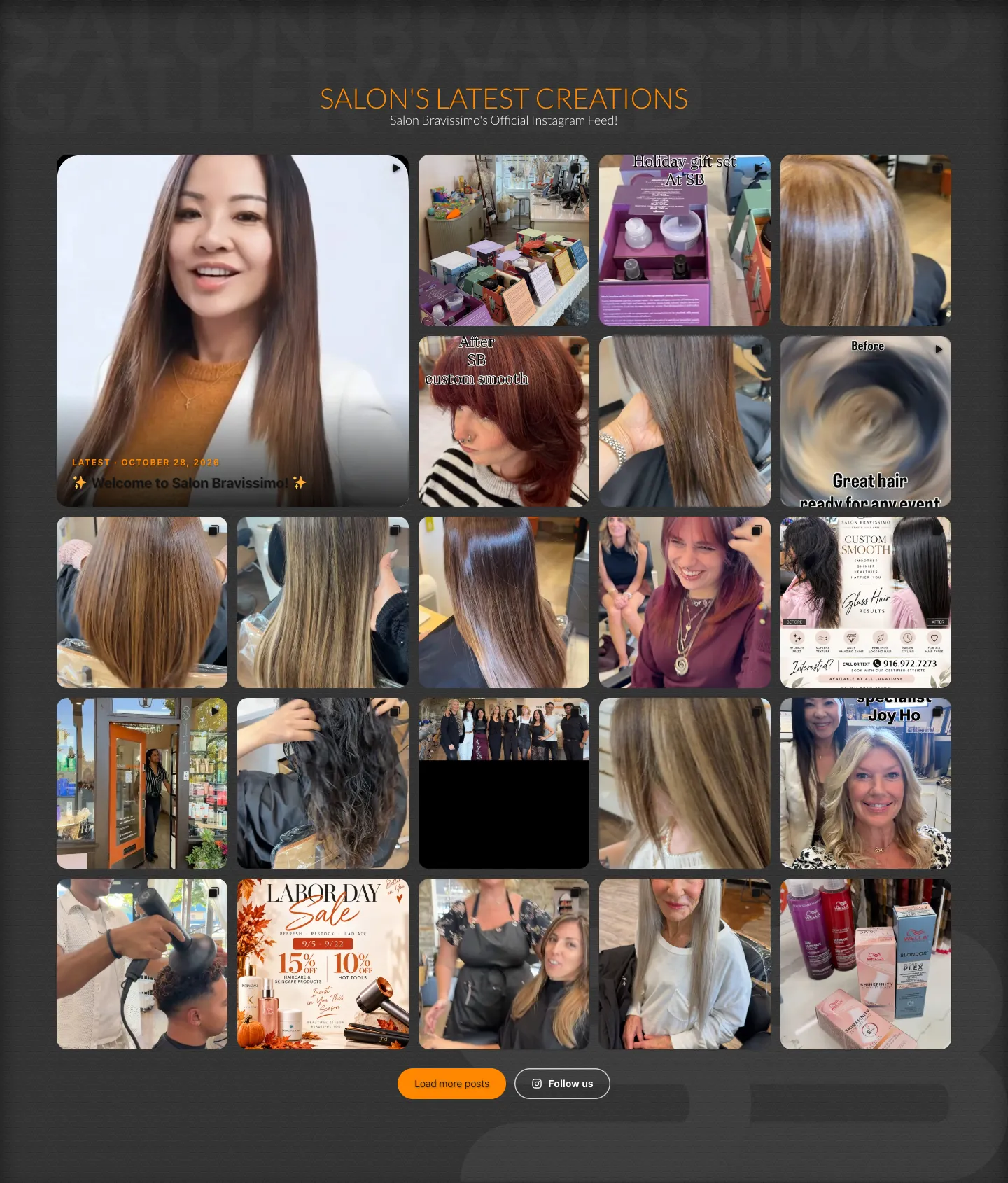
A custom feed on the salon's homepage that shows their newest posts in the site's own design, opens each one in an on-site pop-up, and has no subscription.

salonbravissimo.com
Salon Bravissimo's homepage feed: Salon's latest creations, a large newest post, a grid of recent posts and the Load more and Follow us buttons
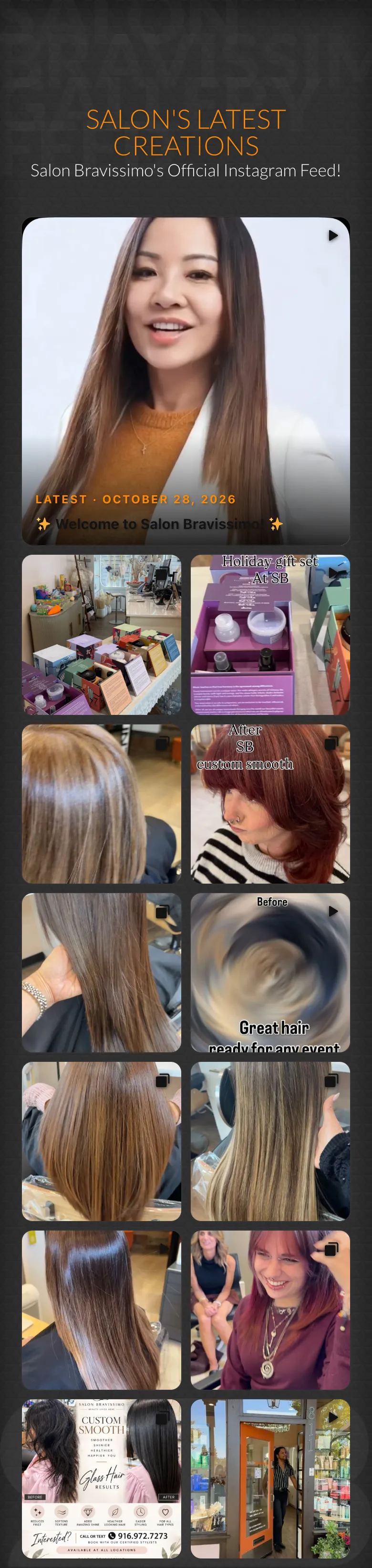
The same feed on a phone: the newest post large, then two posts per row
Salon Bravissimo's homepage feed on desktop and on a phone. Real screenshots from salonbravissimo.com.

The salon used a paid widget before, and it caused a strange problem: on their website, some of the photos they had posted were replaced by stock photos that were never on their Instagram. The posts looked right on Instagram itself, and we never found out why the widget did it. On top of that, it loaded every photo from Instagram, looked like someone else's design, and came with a monthly bill. That's why the salon asked us to build their own. Here is what the custom feed does instead:

  • Checks Instagram every hour: new posts appear on the site within the hour, with no one touching anything.
  • Opens posts on the site: tap a post and it opens right on the page, with a Book an appointment button. The next chapter shows it part by part.
  • Load more: twelve more posts at a time, in rows that always stay full at every screen size.
  • Takes care of itself: the private key renews itself, and the dashboard warns us if anything ever needs attention.

From Anthony

I registered as a Meta developer to build this. The app can only read the salon's own posts. Nothing on the site can post, message or change anything on their Instagram.

Chapter 06Tapping a post

What happens when someone taps a post?

It opens right on the salon's site, in a pop-up with every photo and video, the whole caption, and a button to book. Nobody is sent off to Instagram.

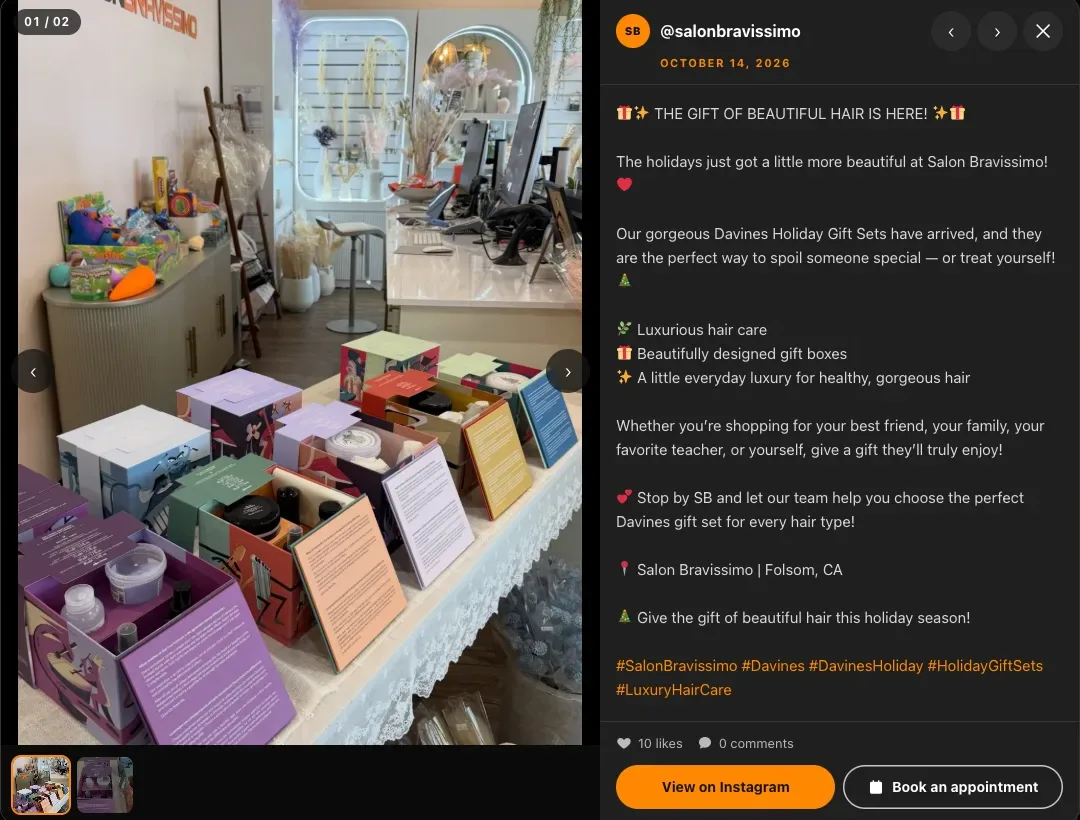
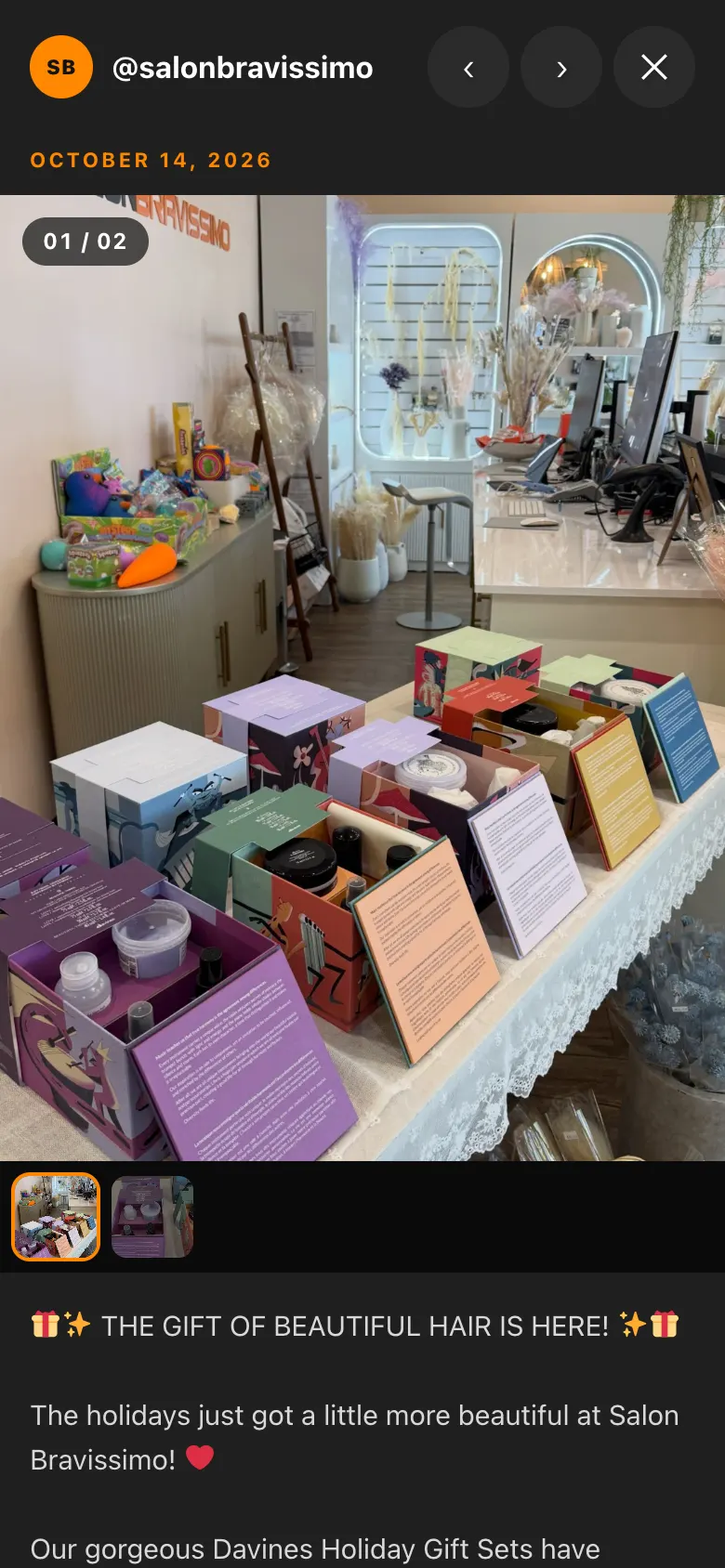
The pop-up is the part visitors actually use, so we built it like the rest of the site, not like a widget. Here it is on desktop, part by part:

salonbravissimo.com
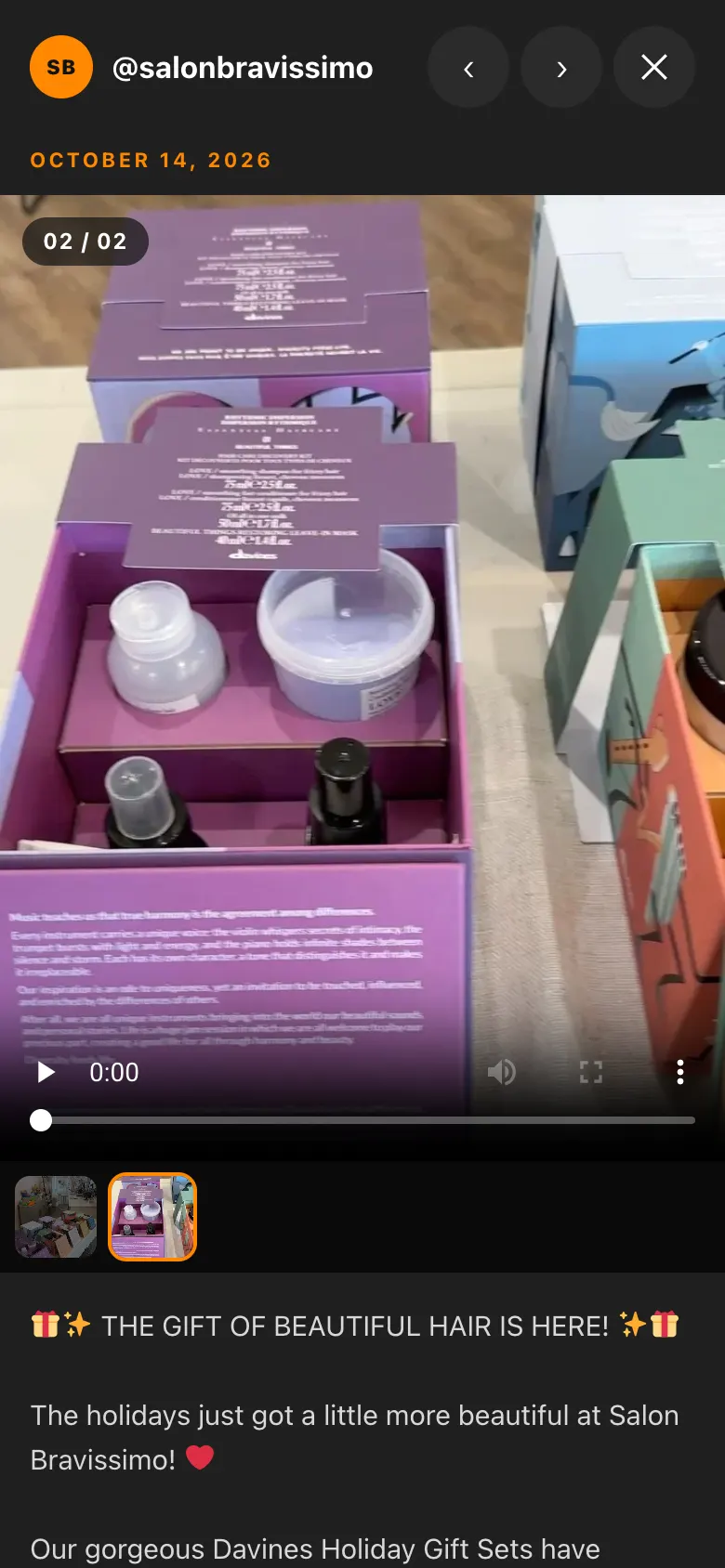
A post opened in the pop-up on salonbravissimo.com: the photo with 01 / 02 and arrows, thumbnails, the account name and date, the full caption with hashtags, likes and comments, and the View on Instagram and Book an appointment buttons
The pop-up on the salon's site, on desktop. Pick a part to see where it is. Real screenshot from salonbravissimo.com.

On a phone it works the way people already use Instagram: swipe for the next photo, tap the arrows for the next post, and videos play where they are.

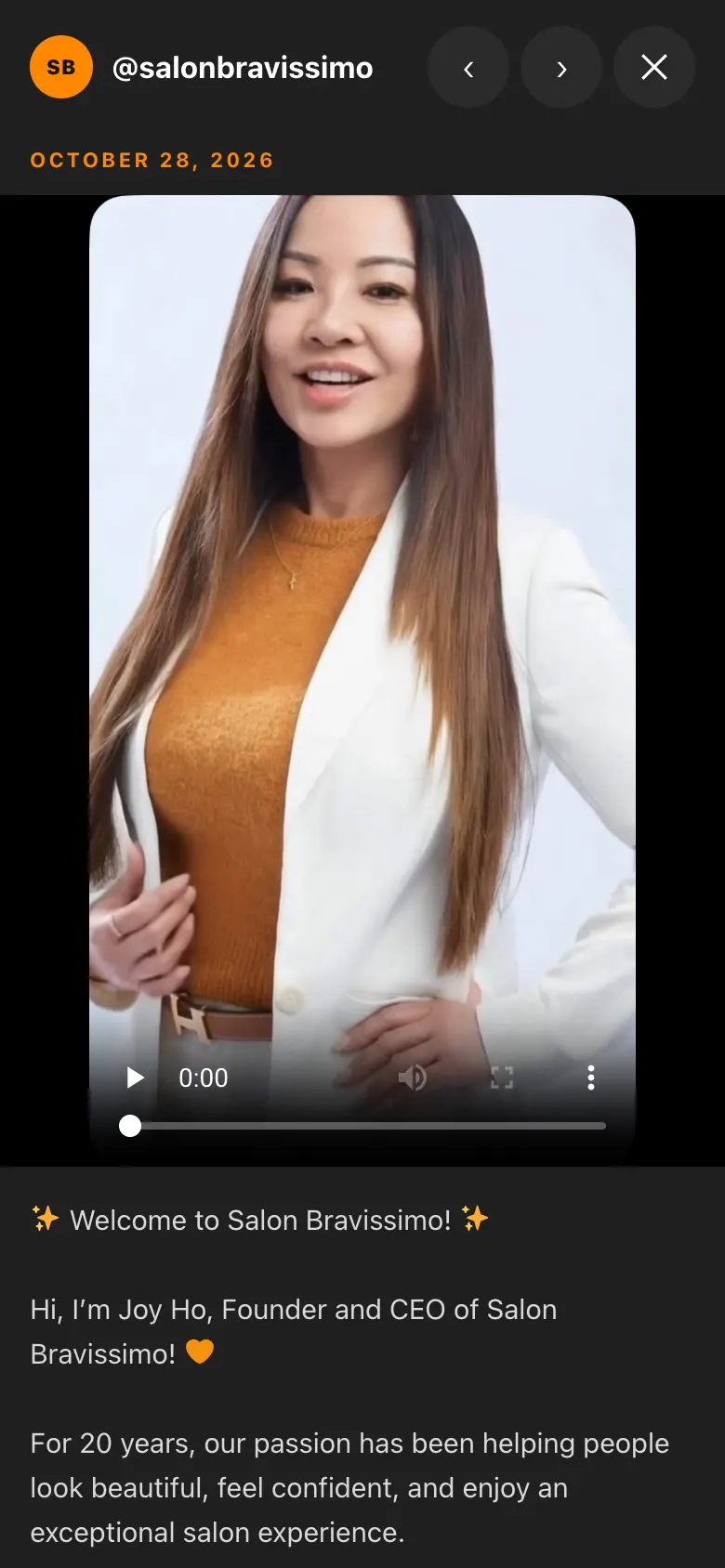
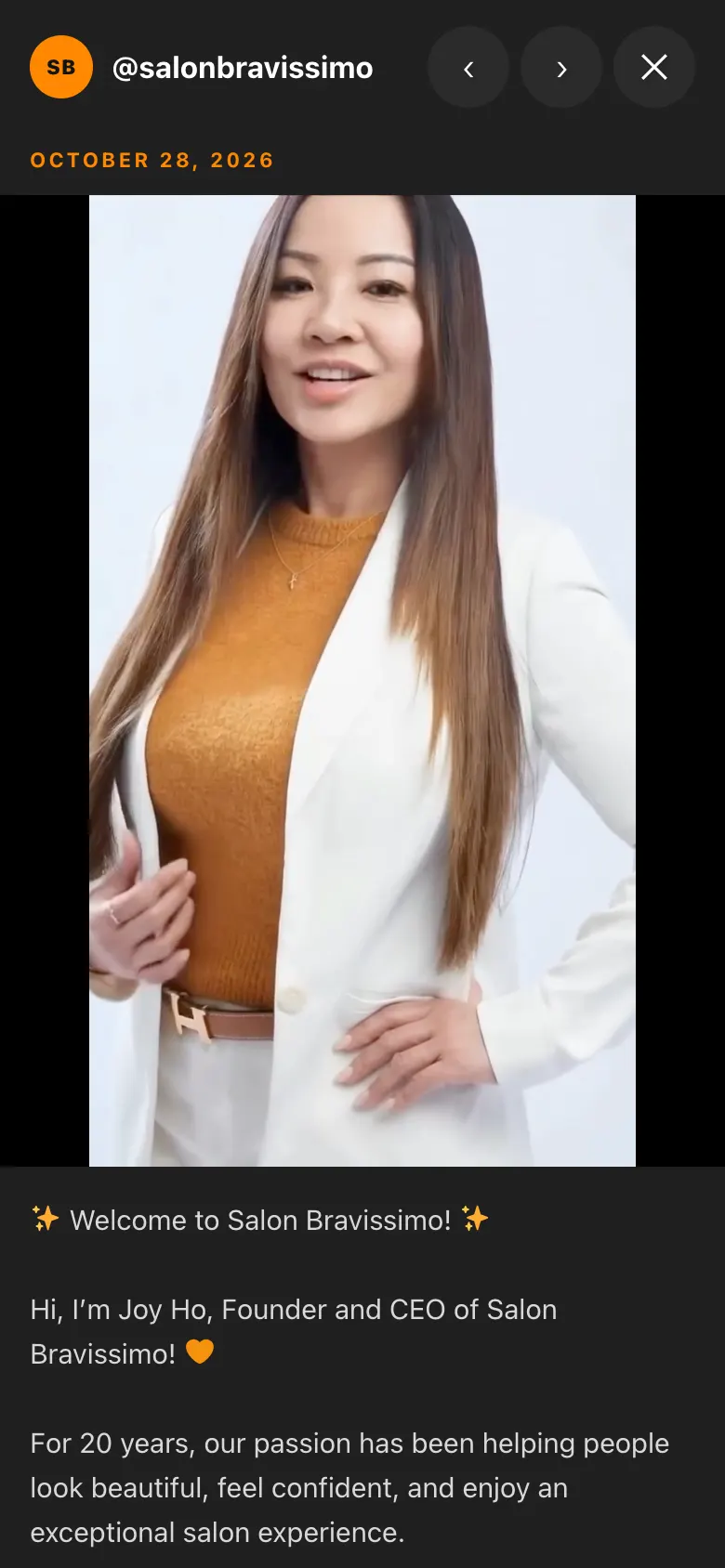
A post opened on a phone: the first of two slides, with thumbnails and the captionThe second slide of the same post, a videoThe previous post, the salon's welcome video, ready to playThe welcome video playing in the pop-up

Why it matters

  • Visitors stay on your site: the post opens over the page they are on, one tap from booking.
  • Booking is right there: Book an appointment opens the salon's own booking window, from inside the post.
  • Light until it's opened: the grid uses small copies. The bigger photo loads only when a post opens, and a video only when someone presses play.
  • Finger, mouse or keyboard: swipe on phones, arrows and arrow keys on desktop, and Escape closes it.
  • Your design: the salon's orange, fonts and buttons, not a widget's.
The same pop-up on a phone: swiping to the second slide, a video, then the previous post, the salon's welcome video, playing right on the site. Real screenshots.

Many feeds send every tap to Instagram. Once a visitor is there, the next thing on their screen is someone else's post, not your booking button.

Chapter 07Speed

Does an Instagram feed slow down your website?

It can. The salon's old widget loaded 34 photos straight from Instagram, 13.8 MB. The custom feed's first view is about 0.5 MB, with nothing loaded from Instagram.

First view of the homepage feed

Old widget
0.0 MB
Custom feed
0.00 MB
34
photos the old widget loaded from Instagram
0
requests to Instagram from the custom feed
26x
lighter first view
1 h
between checks for new posts
Measured on the salon's homepage when the custom feed replaced the widget (October 2026). Some original photos were 3072 x 4096 pixels.

Most of the difference is the photos. Widgets often load full-size originals from Instagram's servers on every visit. A custom feed saves small copies sized for the grid, loads the bigger version only when a post is opened, and plays videos only when someone presses play.

Chapter 08What it can't show

What won't an Instagram feed show?

Collab posts owned by another account, like a stylist's, never come through Instagram's official connection.

On Instagram

A Salon Bravissimo Instagram postA Salon Bravissimo Instagram postCollab postowned by @a_stylistA Salon Bravissimo Instagram postCollab postowned by @a_stylistA Salon Bravissimo Instagram post

On the website

A Salon Bravissimo Instagram postA Salon Bravissimo Instagram postA Salon Bravissimo Instagram postA Salon Bravissimo Instagram post
Collab posts sit on your profile grid, but they belong to the account that created them, so Instagram's official connection doesn't send them. The handle is made up.

Instagram only sends the posts your own account created. Every feed tool that uses the official connection has the same limit. Two smaller ones are worth knowing too:

  • Reels with licensed music: Instagram doesn’t send the video file, so the feed shows the cover with a Watch on Instagram button.
  • Stories: they disappear after a day and aren’t part of the feed.

Tip from Anthony

Want a stylist's post on your website? Create it from the business account and invite the stylist as a collaborator. It shows on both profiles, and your feed picks it up within the hour.

Chapter 09Your choice

Custom feed or subscription: which is right for you?

A subscription is the quickest way to start. A custom feed has no monthly fee, loads faster and looks like the rest of your site.

Plugin or widget subscriptionCustom feed
Monthly or yearly feeYes, as long as you use itNo. A one-time build
SpeedOften loads photos from the seller or InstagramLight copies saved on your own site
DesignThe tool's layouts and settingsYour site's own look, fonts and buttons
Who owns itYou rent itYou own it
Getting startedMinutes, with a sign-upA short build, then it runs by itself

Now that the salon's feed exists, setting one up for another business is much quicker than the first build. The work is connecting your account, matching your site's design and testing it, not starting from scratch.

Free consultation

Want your own feed, without a subscription?

Tell me about your site and your Instagram, and I'll tell you what it would take. You get an estimate in hours before anything is billed.

Questions

Straight answers.

More of what people ask about Instagram feeds.

Updated

Can I add my Instagram feed to my website for free?

You can embed single posts for free with Instagram’s own embed code, and free plugins show a basic feed. A feed in your own design that updates itself needs a paid tool or a custom build.

Do I need a Business account?

A Business or Creator account. Since December 2024, personal accounts can’t feed a website. Switching is free in Instagram’s settings and keeps your posts and followers.

Why isn’t my newest post showing?

Most feeds check on a schedule, so it can take up to an hour or more. If it never shows, it may be a collab post owned by another account, which no official feed receives.

Why is my Instagram feed showing photos I didn’t post?

If the photos look right on Instagram but wrong on your website, the problem is in the widget or plugin showing the feed, not in your Instagram account. It happened to Salon Bravissimo: their old widget swapped some of their photos for stock images on the website only. A custom feed shows the photos saved from your own posts, so what’s on your site always matches your Instagram.

Will an Instagram feed slow down my site?

It can, when it loads full-size photos from Instagram on every visit. A feed that saves small copies on your own site, like the salon’s, loads a fraction of that.

What happens if Instagram changes its rules again?

A custom feed is updated the same way as any part of your site. The salon’s feed already uses Instagram’s newer connection, and its key renews itself.

Does this work on Shopify or a hand-coded site?

The salon’s feed is a WordPress plugin. The same approach works on other platforms, built for that platform.

Share this article

Get started

Start your project.

Two minutes to tell me about your project. One free conversation. A plan in hours, before any work starts.

  1. 1Tell us about your projectA few quick questions, about two minutes
  2. 2Free consultationWe talk through your goals and options
  3. 3Your plan, in hoursClear and upfront, then the work starts