The new dgnow.net is live.

Announced October 28, 2026.

Anthony Dinsmore
Updated Oct 30, 2026
9 min read
Short answer

It's built around one idea: show the real work, the real prices and exactly how a project runs, before you ever pick up the phone. Here's a tour, with pictures from the live site.

live.
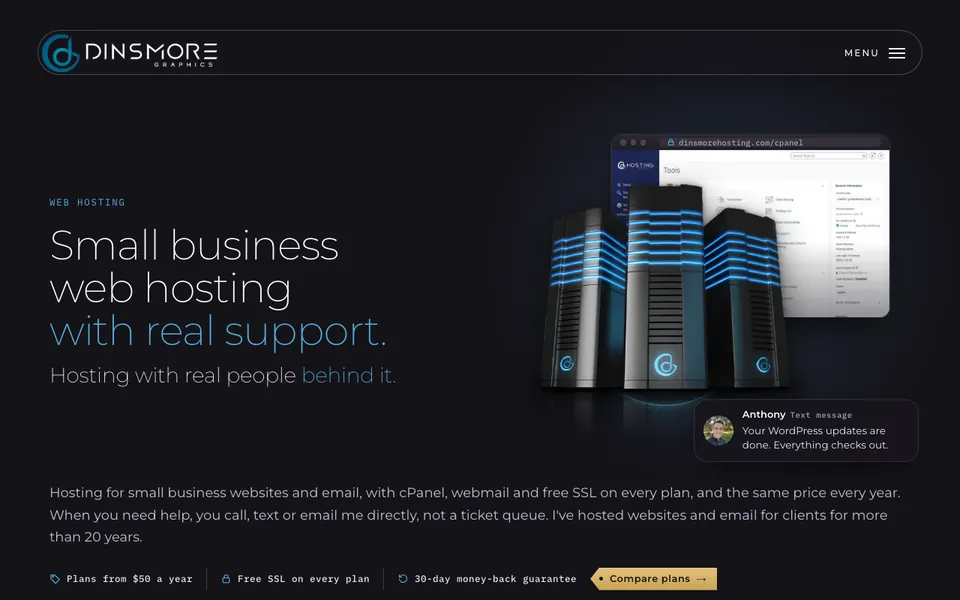
The white Dinsmore Graphics logo on the dark blue glow
cv-web
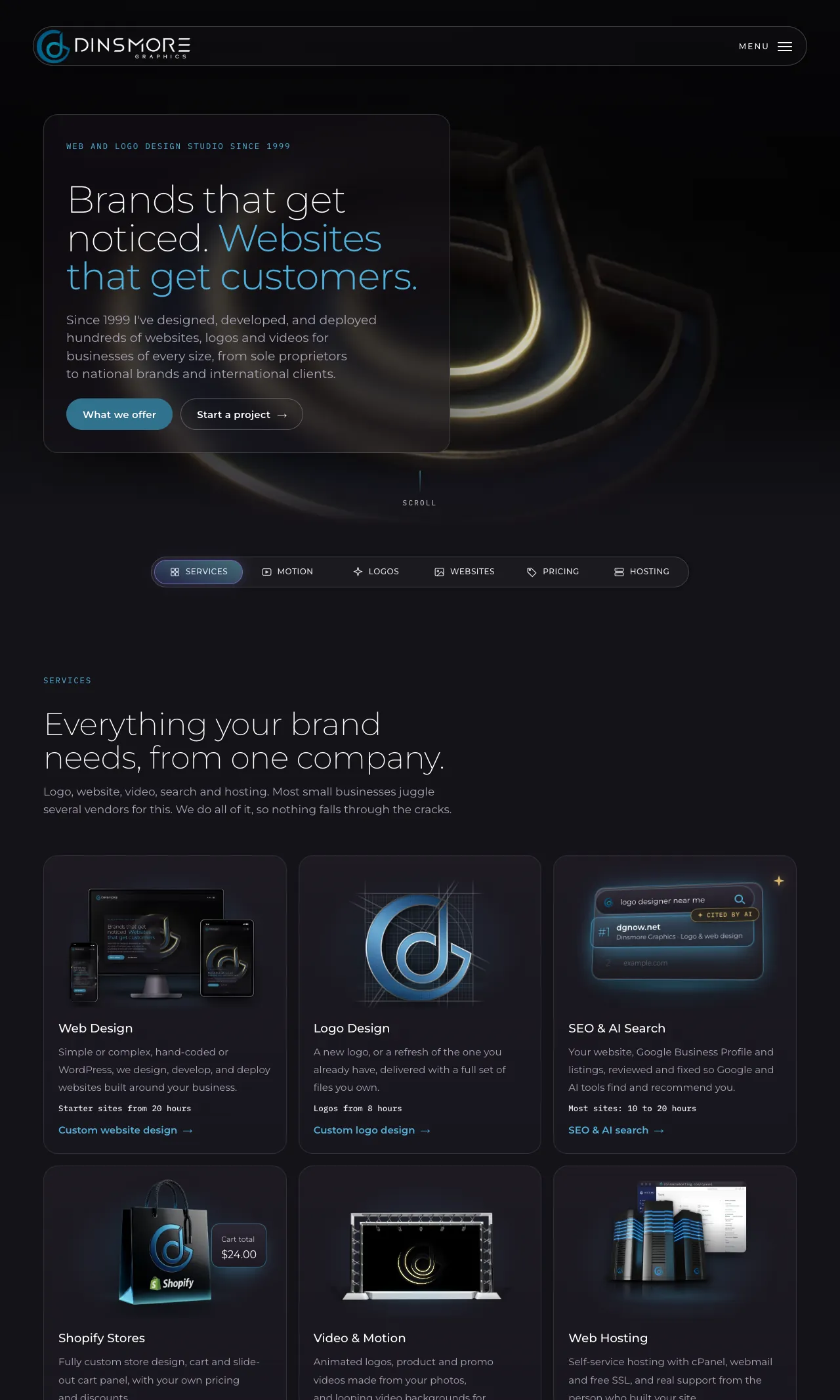
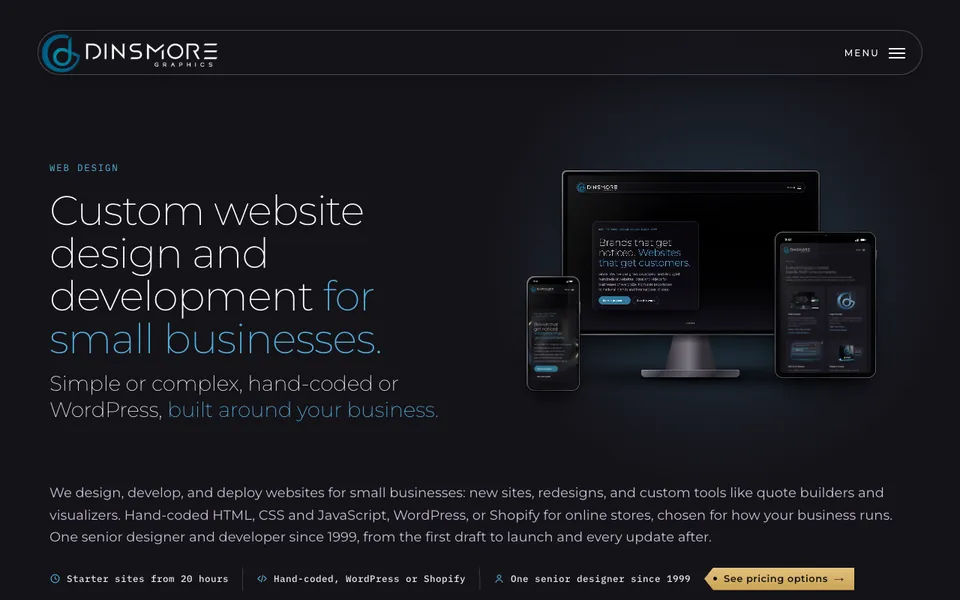
The new homepage on desktop and phone

Chapter 01The homepage

What do you see first?

Who we are, what we make and what it costs, before the first scroll ends.

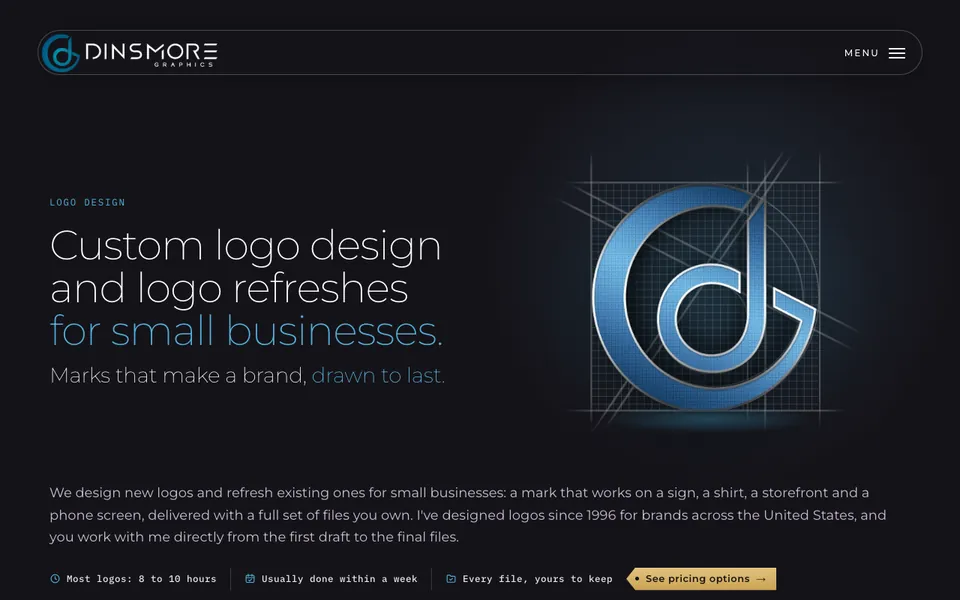
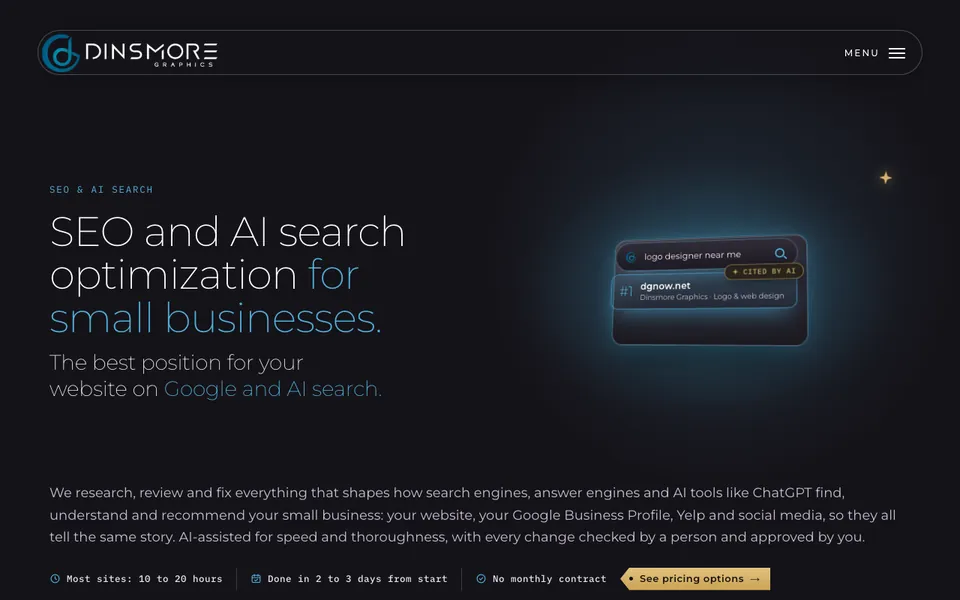
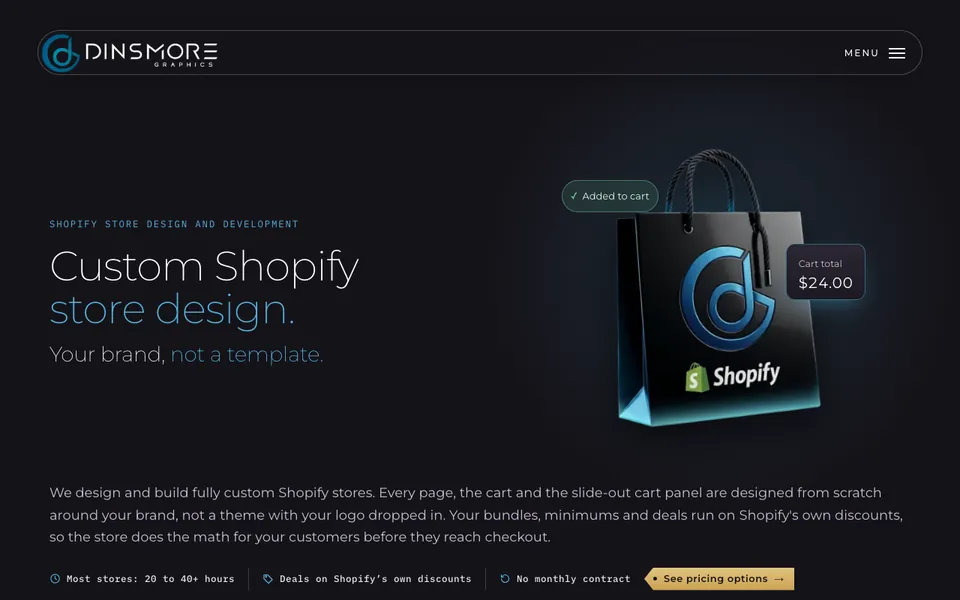
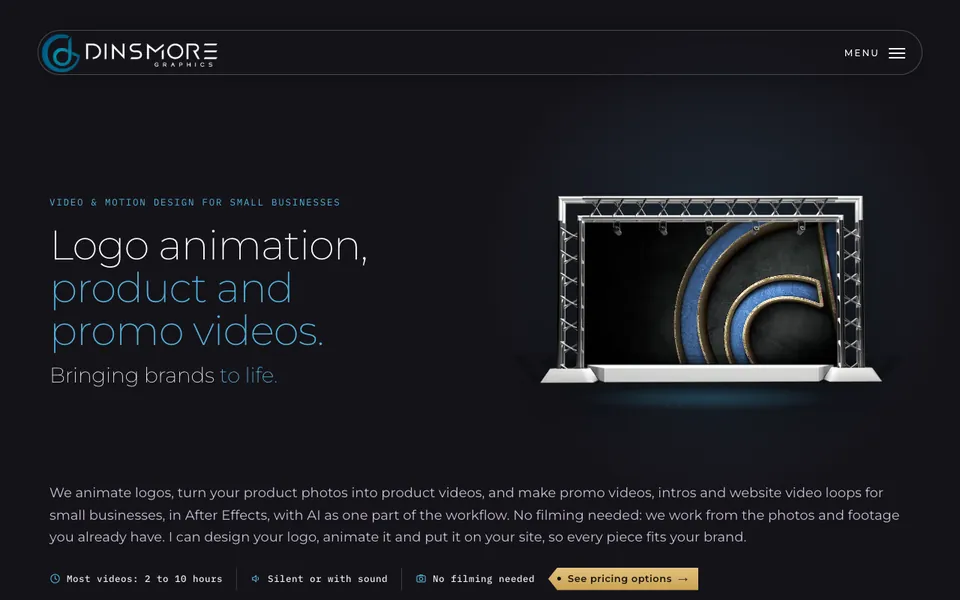
The homepage opens with a reel of real work moving behind the headline. Right under it, a bar jumps straight to Services, Motion, Logos, Websites, Pricing or Hosting, so you can go to what you came for. Each of the six services has its own animated picture, the same one you will see on its page.

6Service pages
74Logos on the wall
4Steps to a quote
1 dayTo hear back

Chapter 03Six service pages

What does each service page show?

Six services, in the same order everywhere.

Each service gets a full page: the work, the prices, the questions people ask most, and a clear next step. Every page shows the date it was last updated.

Chapter 04Real client work

Can you see real work?

Real sites for real businesses, built, launched and looked after.

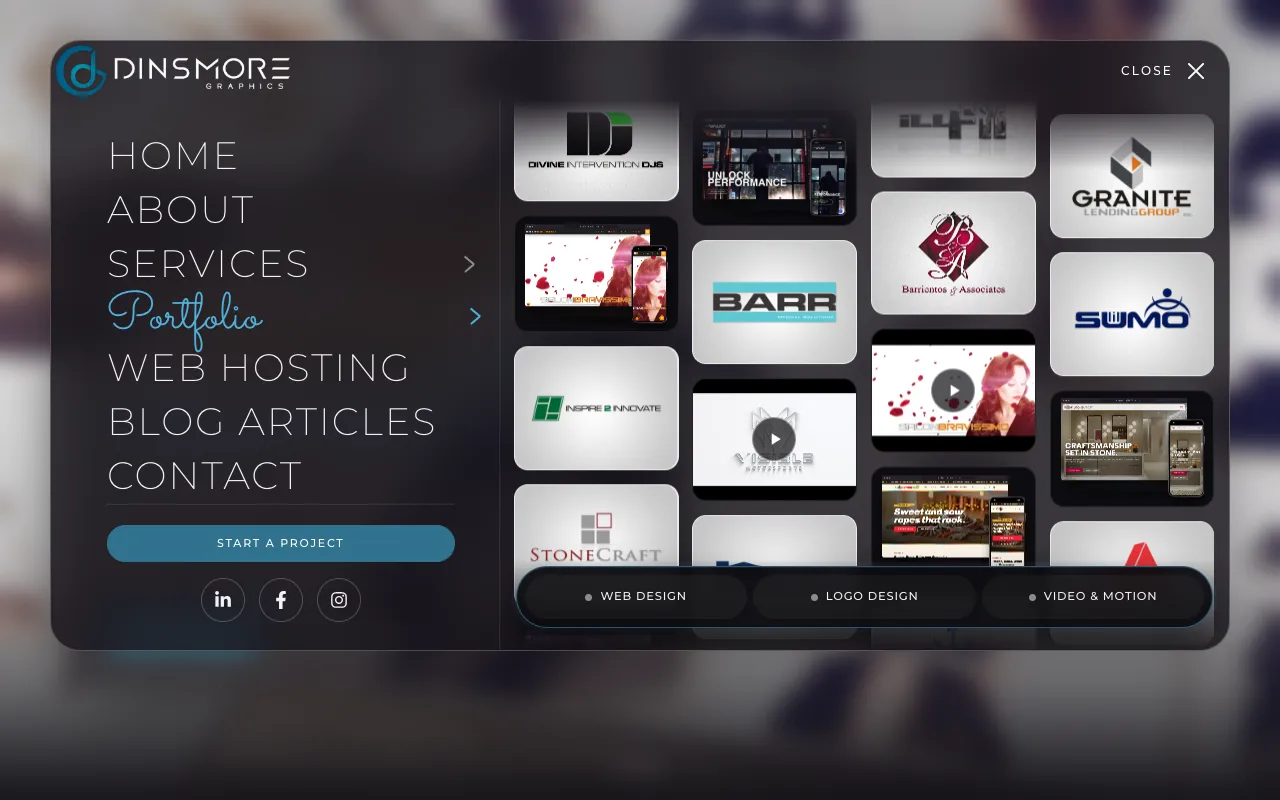
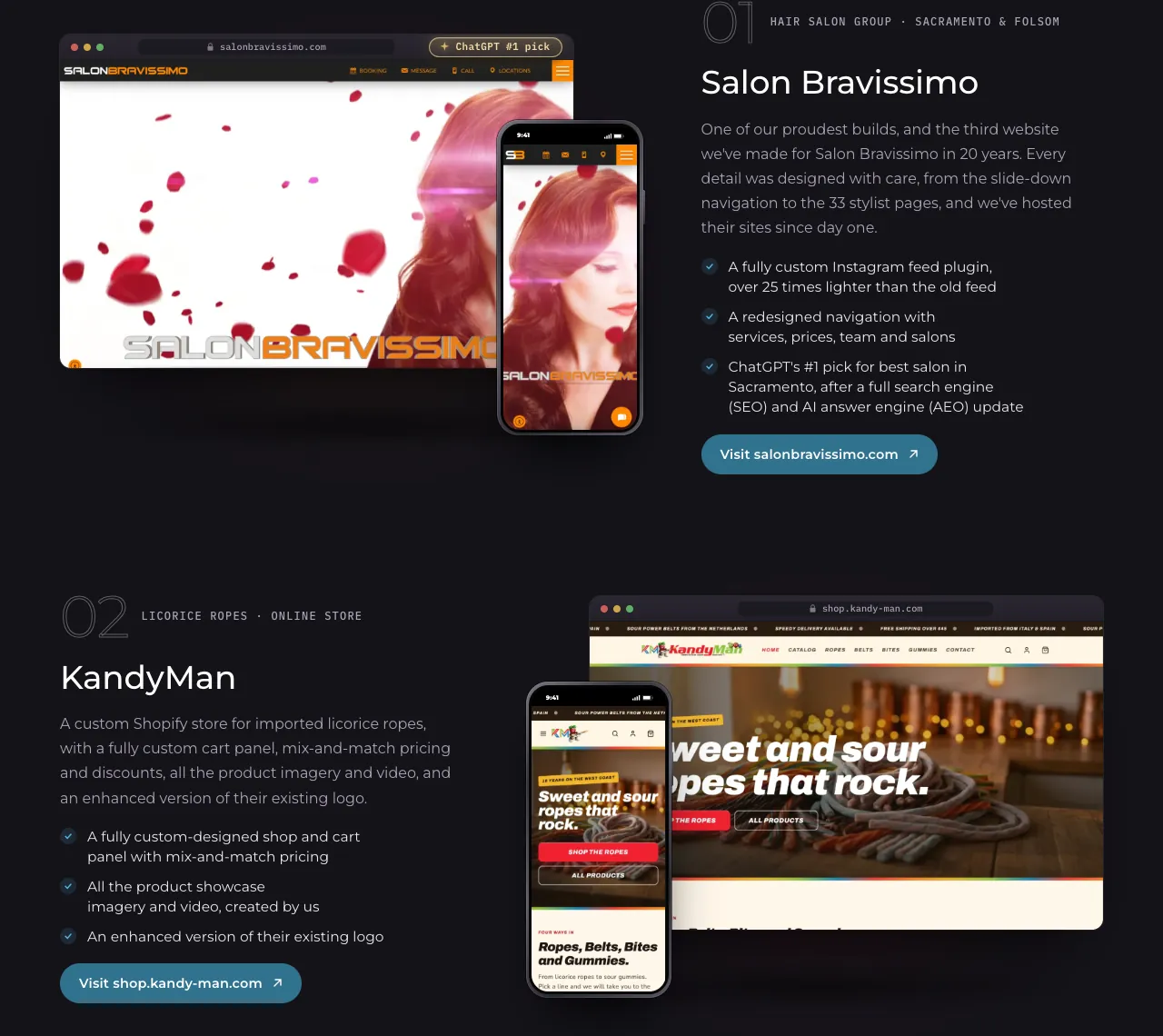
The Web Design page walks through live client sites like Salon Bravissimo, KandyMan and Visible Auto Lab, with their pages scrolling inside the screens.

The Salon Bravissimo and KandyMan websites shown in desktop and phone frames on the Web Design page
Client sites on the Web Design page

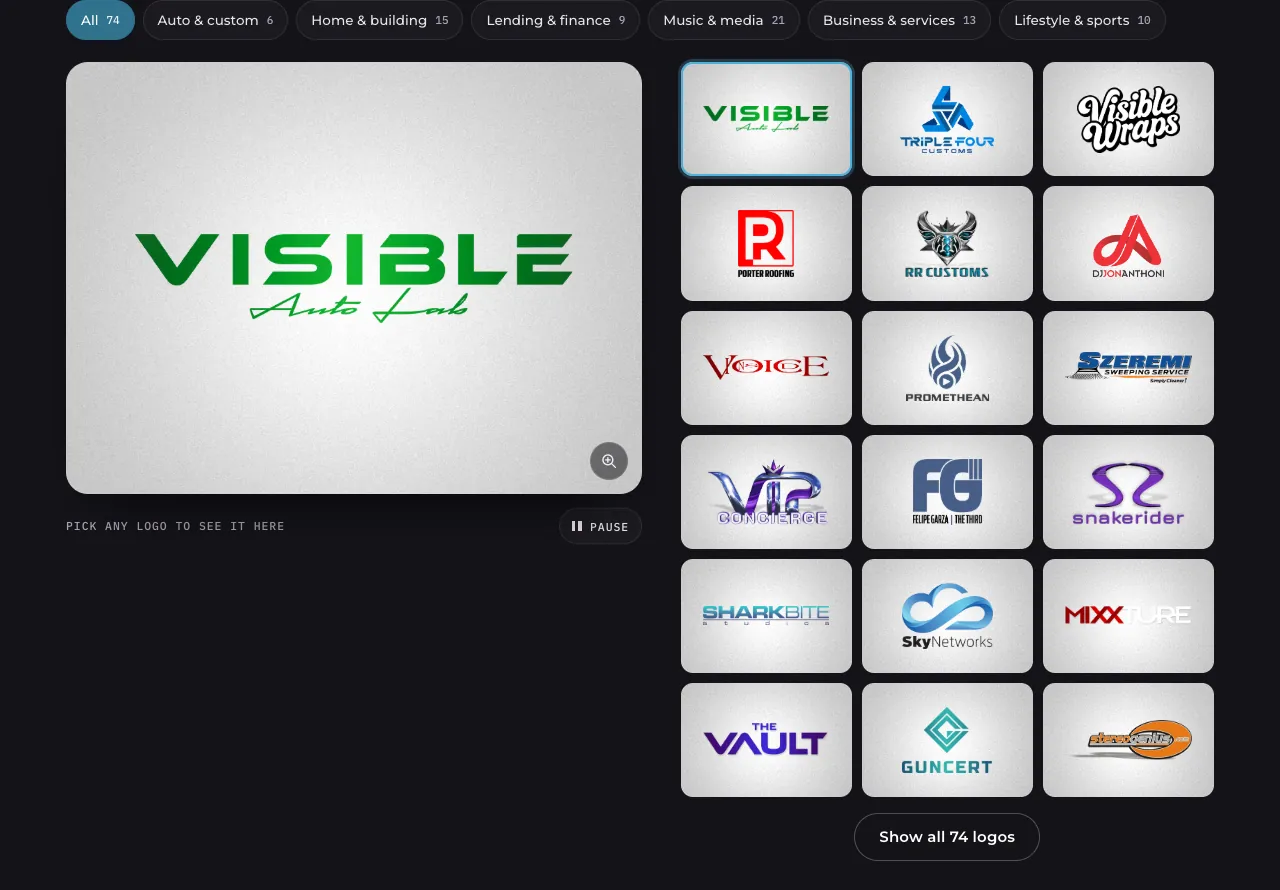
The Logo Design page puts all 74 logos on one wall. Pick any logo to see it big on the stage, or filter the wall by industry.

The logo wall on the Logo Design page, with the Visible Auto Lab logo on the stage
The logo wall on the Logo Design page

Chapter 05Prices in the open

How does pricing work?

Every project is estimated in hours, so you can see the cost before we talk.

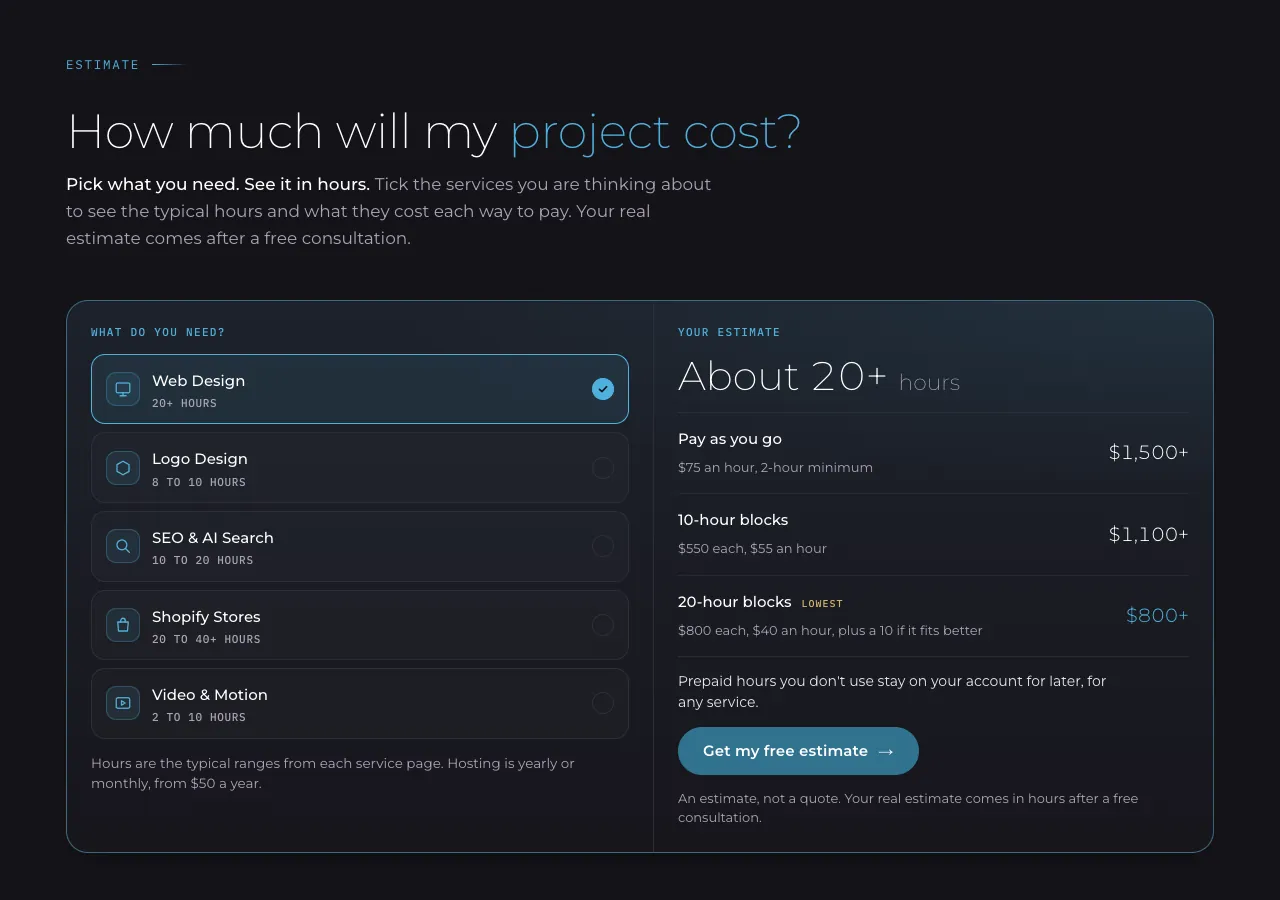
Pay as you go at $75 an hour, or prepay a 10โ€‘hour block for $550 or a 20โ€‘hour block for $800, almost half the hourly rate. Prepaid hours never expire. On the Pricing page, pick the services you have in mind and the estimator shows the typical hours and the cost each way to pay.

The estimator on the Pricing page with Web Design picked, showing about 20 hours and the cost each way to pay
The estimator on the Pricing page

Chapter 06A two-minute quote

How do you start a project?

About two minutes, in four short steps.

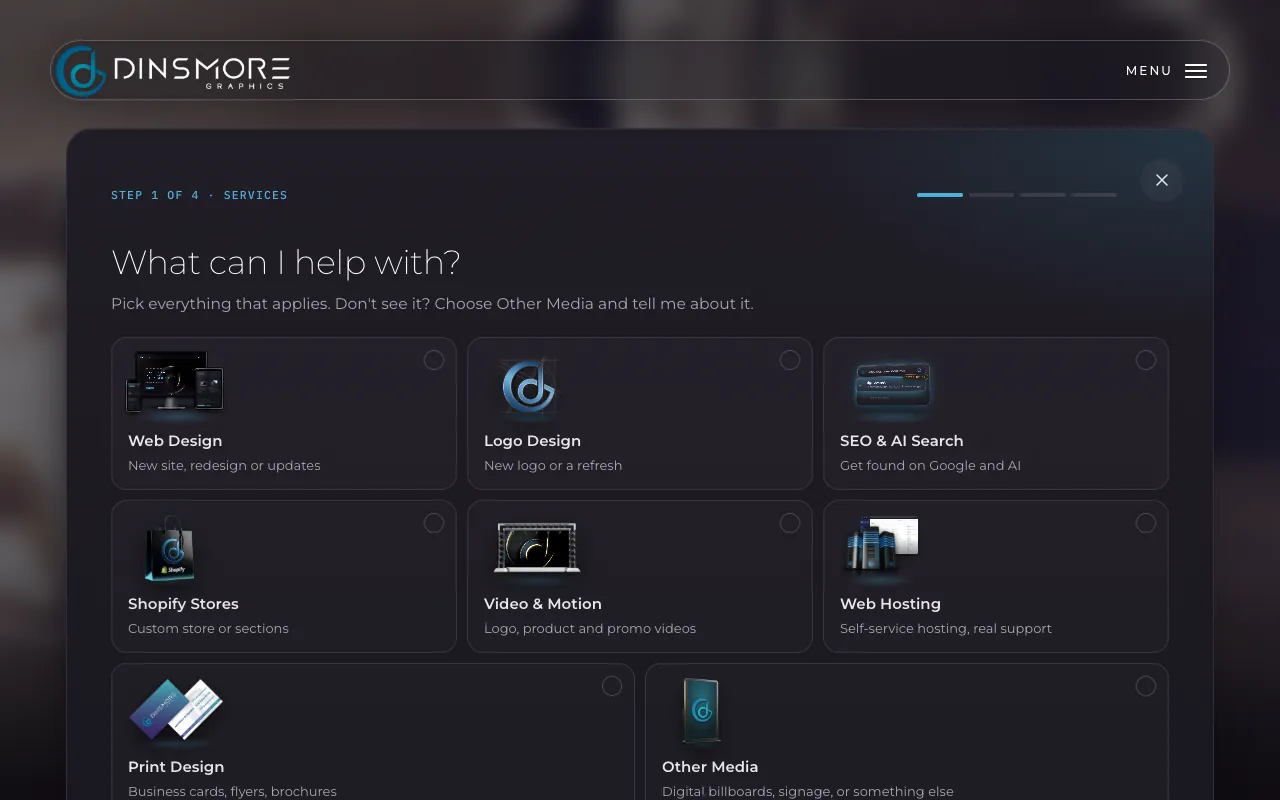
Start a project from any page and the quote form opens right where you are. Pick the services you need, add a few details and send it. I read every request myself and reply within one business day, and a free consultation comes before any work starts.

Step 1 of 4 of the quote form: pick the services you need
The quote form, step 1 of 4

Chapter 07Live reports

How do you know where a project stands?

Every client gets a live hours report.

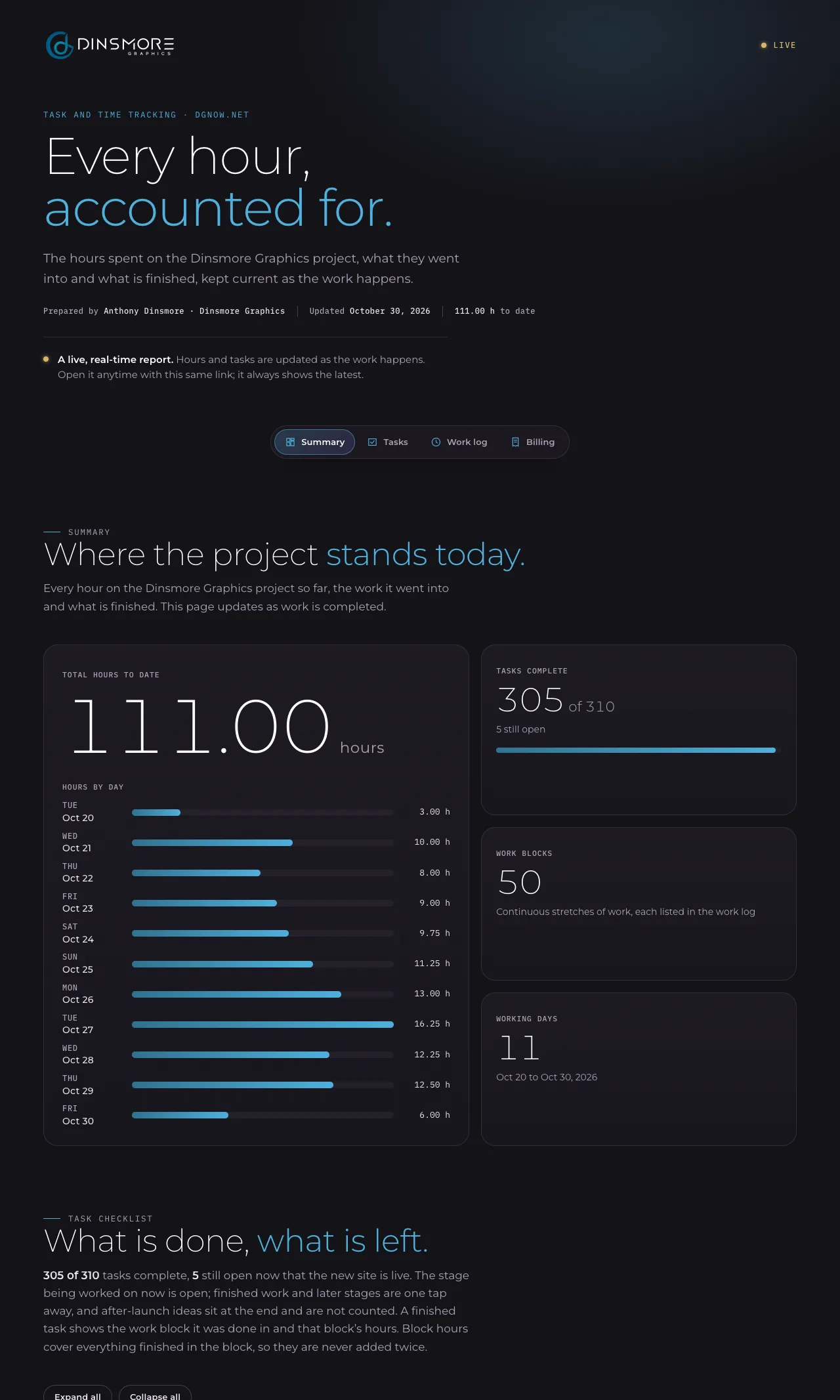
A private link shows the hours so far, the tasks done and the tasks left, and it updates as the work happens. The How We Work page shows the report for this very website. Every layout, color and word was chosen by a designer, and every detail was manually reviewed before it shipped.

LiveA live, real-time report. Hours and tasks are updated as the work happens. Open it anytime with this same link; it always shows the latest.

AI does the busywork. I do the craft.

Chapter 08Made for phones

Does it work on a phone?

Checked on phones, tablets and desktops, page by page.

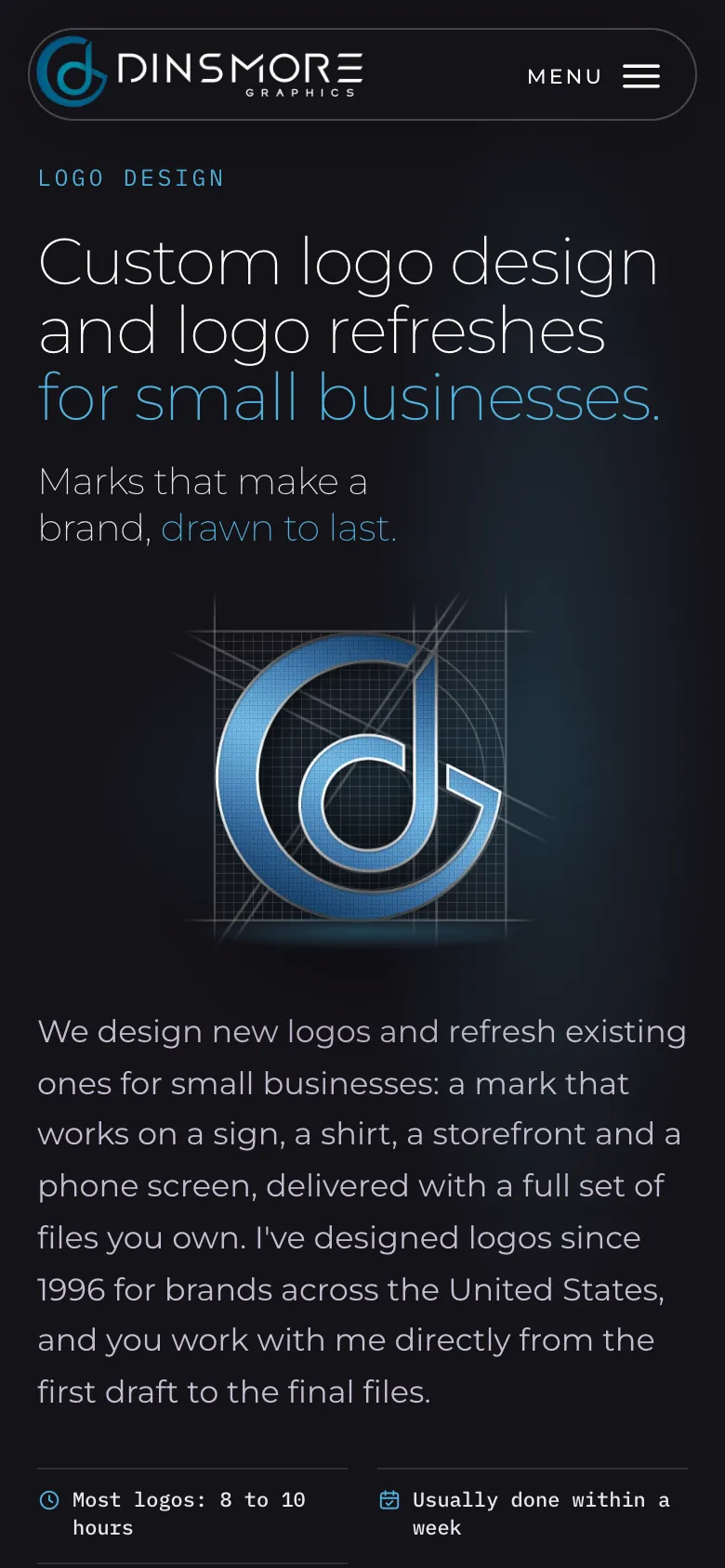
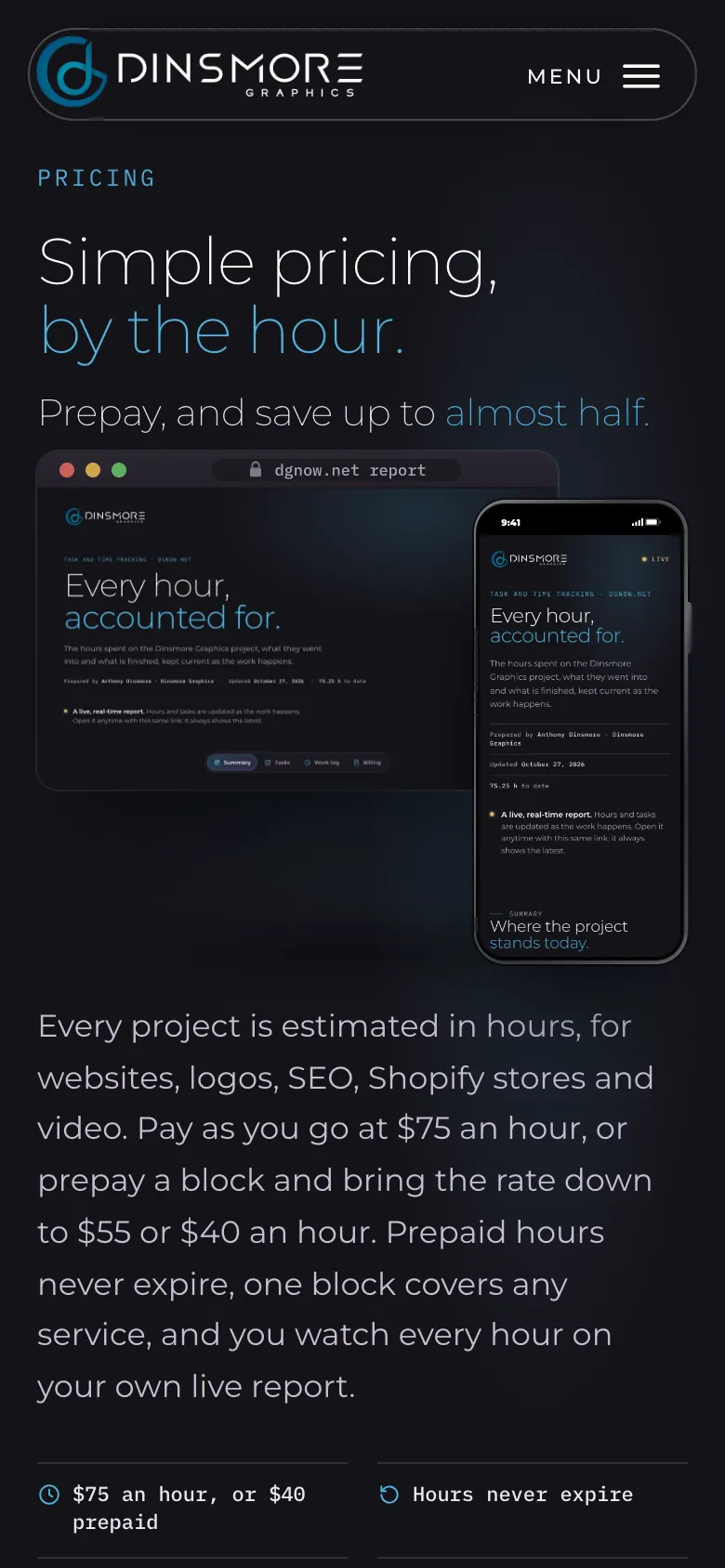
On a phone, the logo viewer and the video player stay in view while you browse, and the moving rows of work can be swiped either way.

The Logo Design page on a phone
Logo Design
The Pricing page on a phone
Pricing
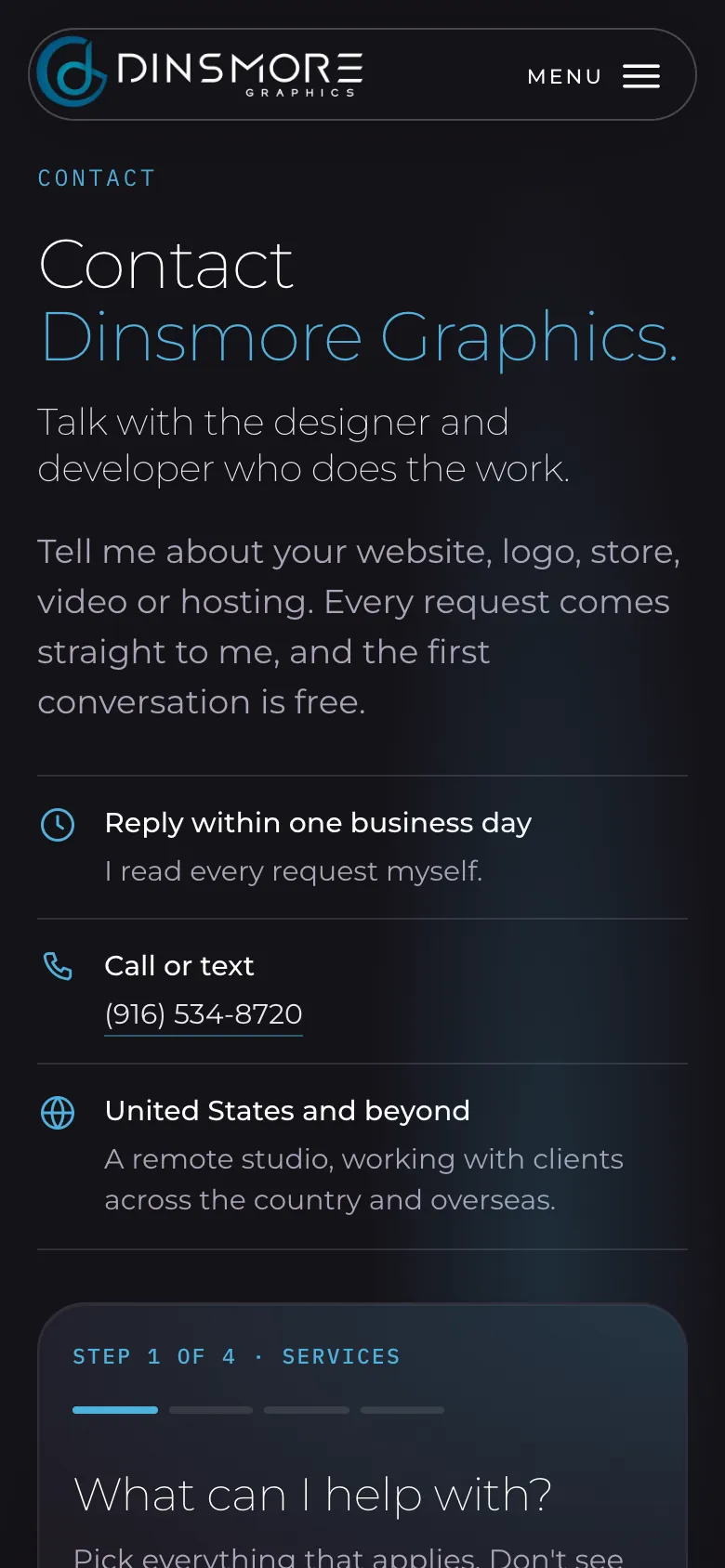
The Contact page on a phone
Contact

Chapter 09Built to be found

Will Google and AI tools understand it?

Written so people, Google and AI tools can all read it.

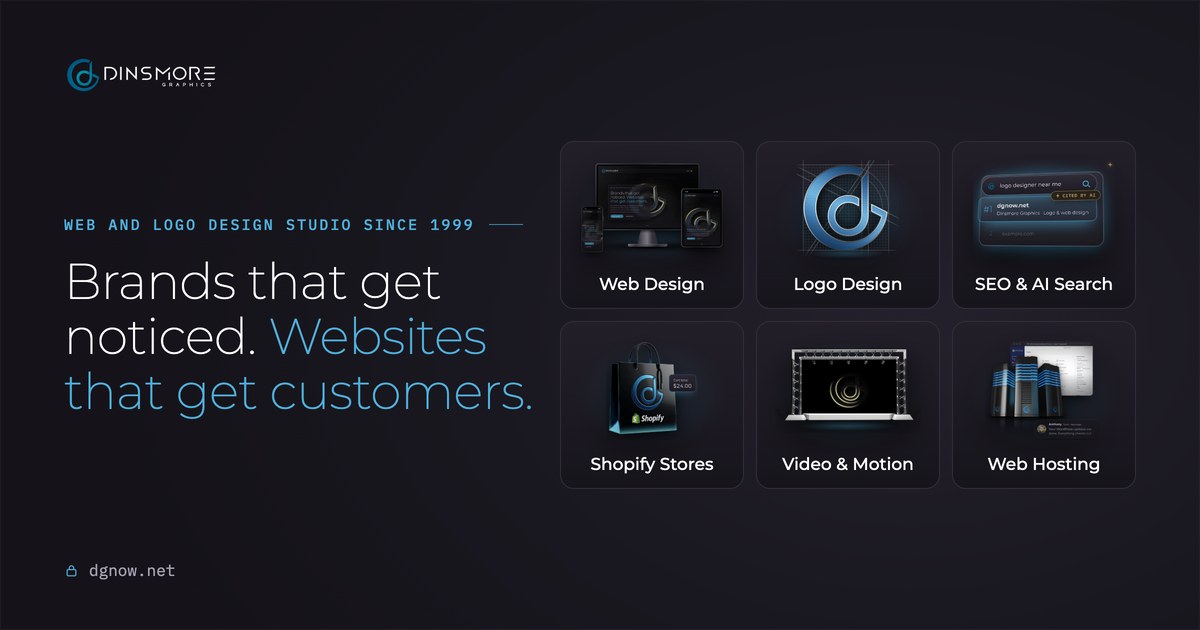
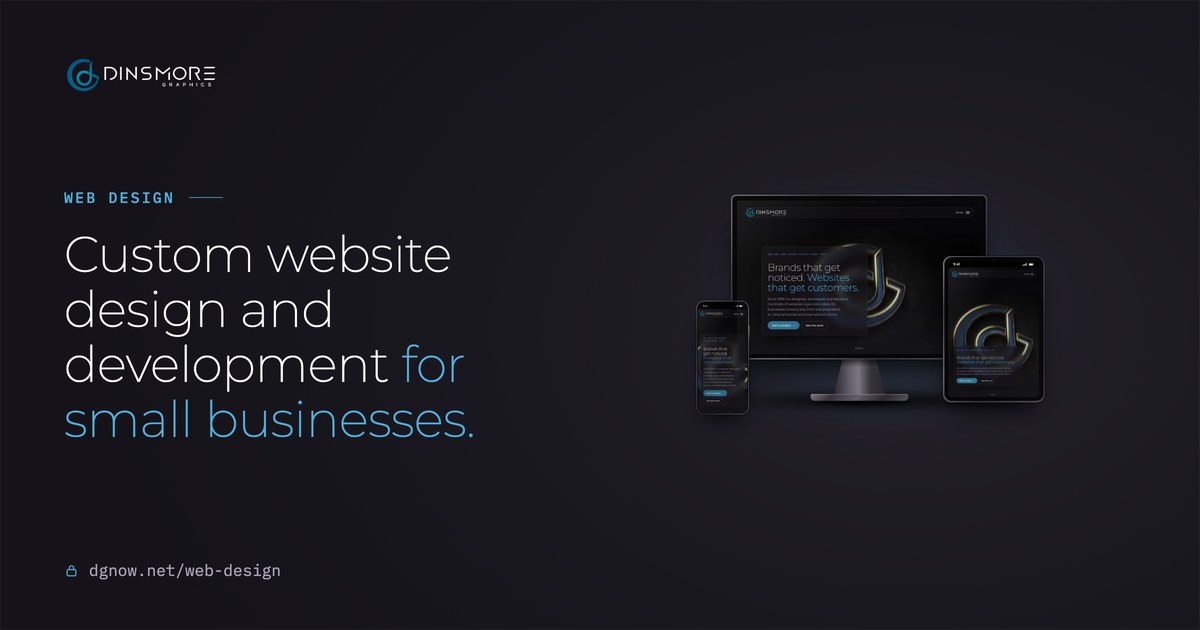
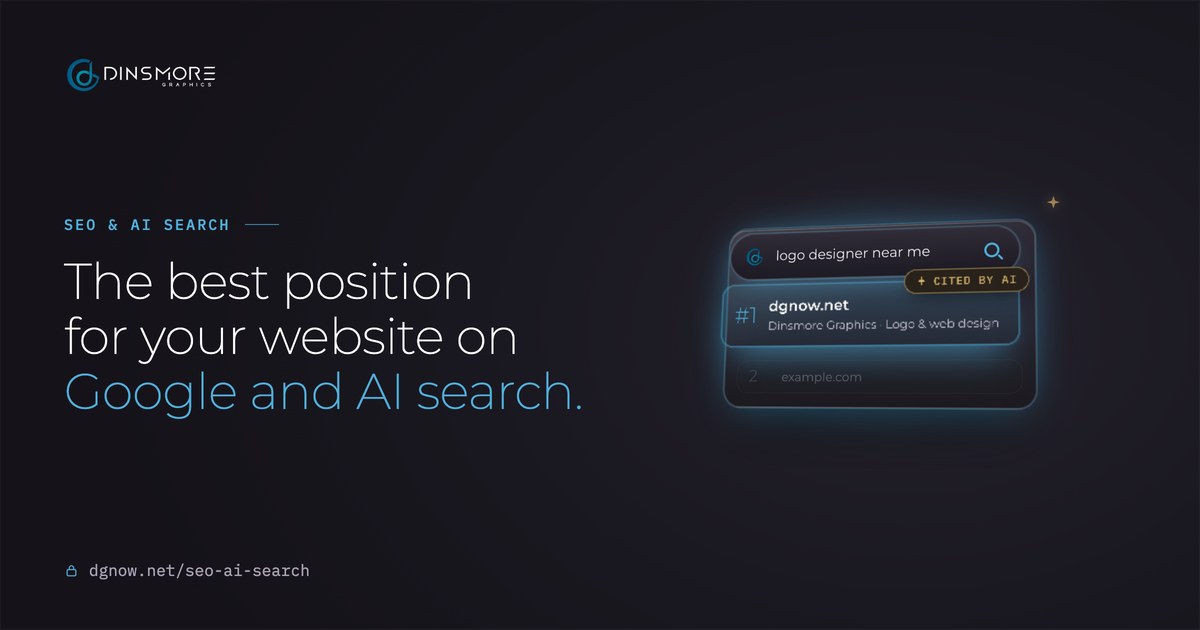
Each page answers real questions in plain words. Behind the scenes, search data tells Google and AI tools who we are, what we offer and what it costs. Every page also has its own share picture, so a link looks right wherever it is posted. The blog takes the same idea further, one question per post.

  • The share picture for the Home page
  • The share picture for the Web Design page
  • The share picture for the Logo Design page
  • The share picture for the SEO & AI Search page
  • The share picture for the Pricing page
  • The share picture for the How We Work page

Chapter 10The blog

What's on the blog?

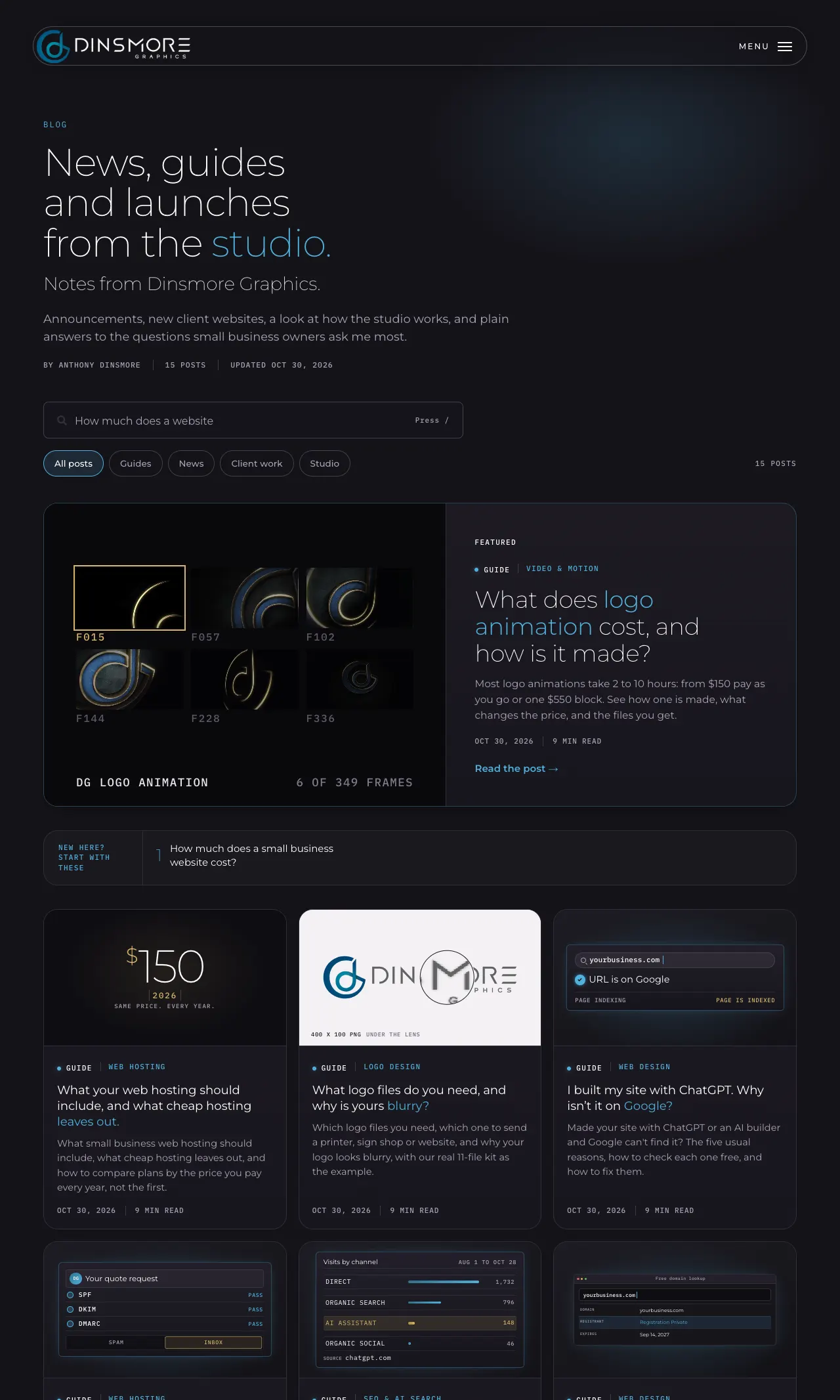
Fifteen guides, client stories and studio notes, each one answering a real question small business owners ask.

The blog went live with the new site on October 28. Every post is written for one person with one question, like what a website costs, who owns it when a designer disappears, or why business emails land in spam, and answers it with real work and real prices.

The blog page on desktop and phone
  • A search box that suggests questions. It types sample questions while it is empty, and pressing / jumps straight to it.
  • Four kinds of posts. Guides, News, Client work and Studio, each with its own button and page.
  • A live cover on every card. Each card shows a moving piece of its own post: a domain lookup, a shopping bag, a magnifier over a logo, frames from a logo animation.
  • In the main menu. Blog Articles sits with the other links, and its card shows the newest posts.
15Posts so far
4Kinds of posts
8Printable checklists
3 daysFrom launch to 15

Chapter 11Inside a post

What's inside every post?

A short answer first, then one question per chapter, each answered in its first line, with real visuals, a printable checklist and an FAQ.

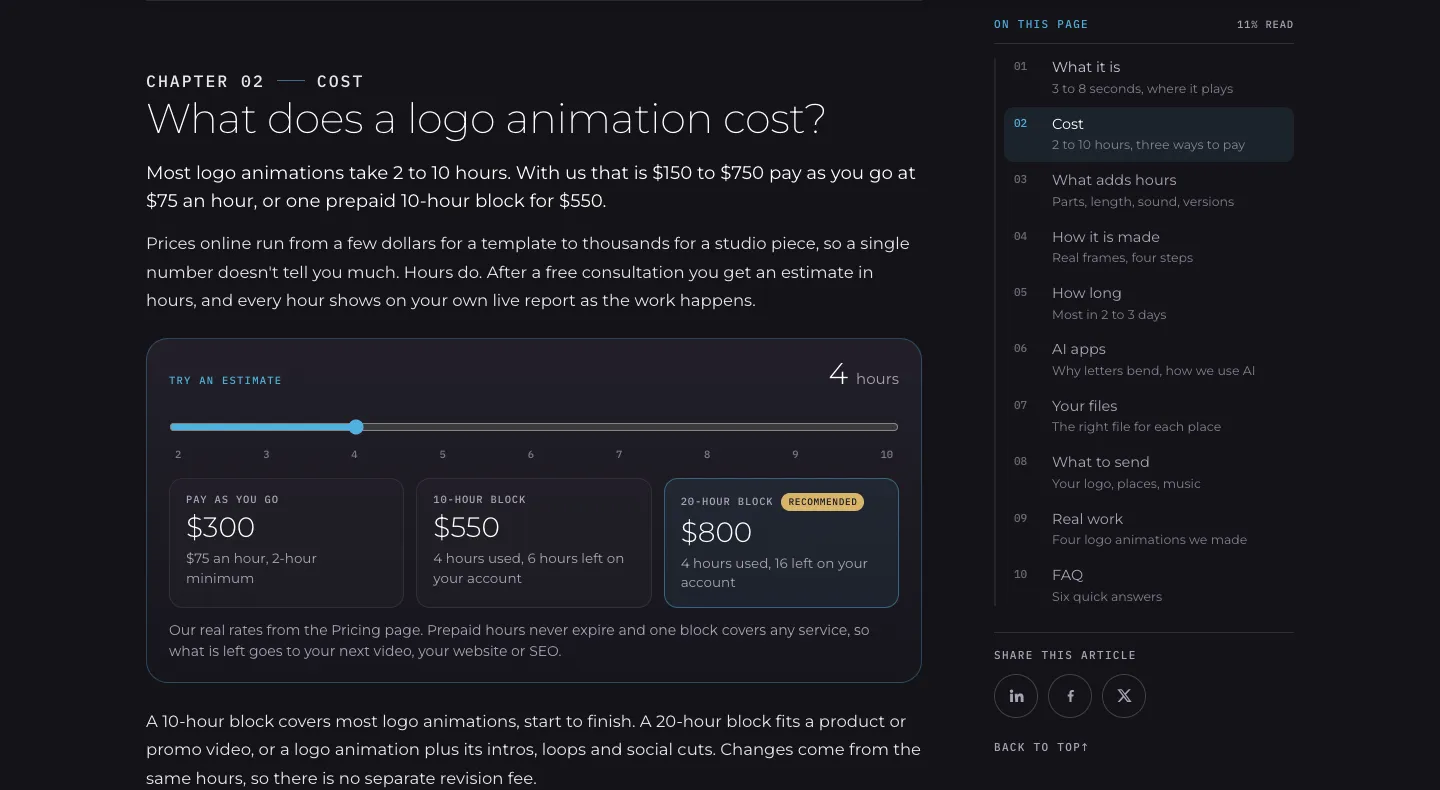
Every guide is built the same way, so you can skim it in a minute or read it all. Here is one chapter, with the parts marked:

A chapter of the logo animation guide: the question heading, the answer under it, a cost slider and the On this page list
  1. The question is the heading
  2. The answer comes right under it
  3. A real visual, here a cost slider
  4. On this page, with a summary of every chapter
  5. How much you have read
A chapter of the logo animation guide, as it looks on the live site

Around the chapters, every guide also has:

  • A short answer at the top, for anyone who only needs the gist.
  • Something to try or keep: a calculator, a picker, or a printable checklist to work through with your own business.
  • Key takeaways and an FAQ with the follow-up questions people ask.
  • A bar on phones that shows where you are and jumps to any chapter.

Chapter 12Why a blog

Why does a blog help with Google and AI?

Because each post answers one real question in a way Google, AI answers and AI assistants can read, trust and quote.

People don't only search anymore. They ask: Google, Google's AI answers, ChatGPT and Perplexity. A blog post that answers a question clearly can be found all three ways. That is what SEO, AEO and GEO mean:

One post

What does a logo animation cost?

Most logo animations take 2 to 10 hours: $150 to $750 at $75 an hour, or one 10‑hour block for $550.

dgnow.net/blog

SEO ยท Google search

dgnow.net โ€บ blogHow Much Does Logo Animation Cost? | Dinsmore GraphicsMost logo animations take 2 to 10 hours: from $150 pay as you go or one $550 block.

AEO ยท AI answers

AI overviewMost logo animations take 2 to 10 hours: $150 to $750 at $75 an hour, or one 10‑hour block for $550.dgnow.net

GEO ยท AI assistants

How much does a logo animation cost?Dinsmore Graphics prices it in hours: most take 2 to 10, at $75 an hour. dgnow.net

An illustration of one real post read three ways. The answer line is the real one from the logo animation guide.
  • SEO: search engine optimization

    Getting a page shown on Google. Each post targets the words people really type, with a clear title, description and search data that says it is an article.

  • AEO: answer engine optimization

    Getting your answer quoted. Every chapter heading is a question and its first line is the answer, the line Google’s AI answers and featured answers tend to lift. The FAQ does the same.

  • GEO: generative engine optimization

    Getting named by AI assistants like ChatGPT. Clear facts, a real business behind them, real examples with dates, and a site file (llms.txt) that lists every post for AI tools.

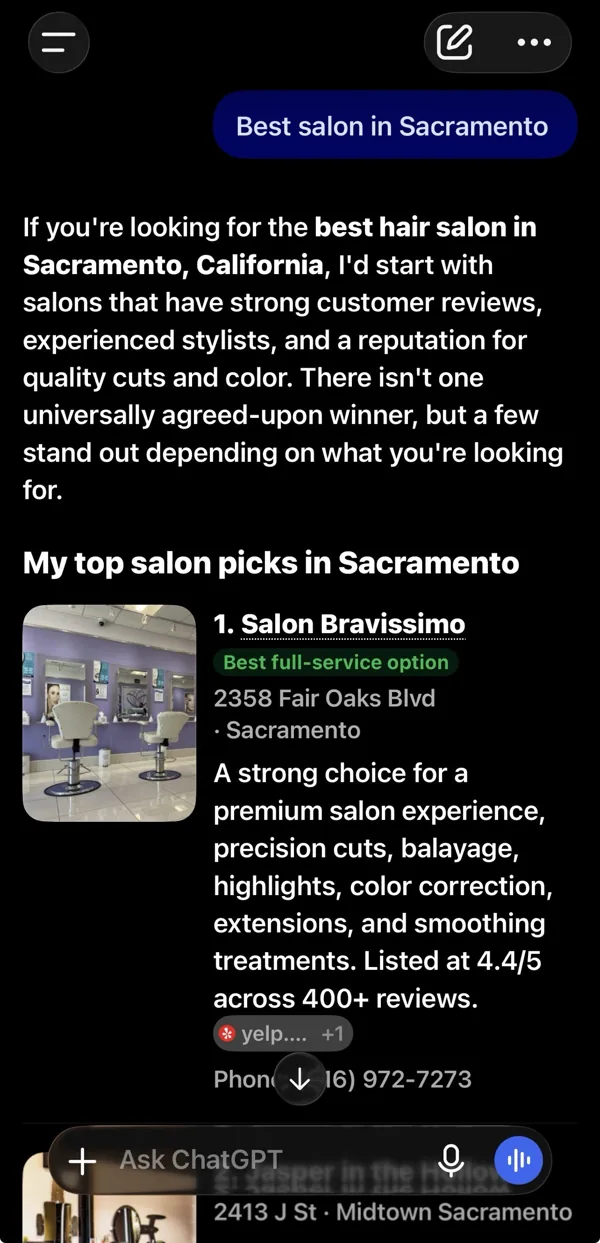
ChatGPT listing Salon Bravissimo first among its top salon picks in Sacramento
The same habits, on a client site. Asked for the best salon in Sacramento, ChatGPT listed Salon Bravissimo first. Captured October 22, 2026. See SEO & AI Search

What no one can promise: a set ranking, a spot in every AI answer, or a date it will happen. What a good post does is give Google and AI tools a clear, true answer to point to.

Chapter 13How posts are made

Who writes these, and how?

I do, with AI-assisted research, and every post goes through the same five steps before it goes live.

  1. 1Research

    What people search and ask AI tools, what the top pages cover, and what they leave out.

  2. 2Outline, approved

    Every chapter question and its answer, the visuals and the examples, signed off before any writing.

  3. 3Draft with real examples

    Our own work or a client who said yes, and prices only from our Pricing page.

  4. 4Checked at every size

    Six screen widths, every visual, every link, every detail manually reviewed.

  5. 5Published and sent to Google

    Live with the date on it, then submitted to Google the same day.

Tip from Anthony

If a post can't show real work or a real number, it isn't ready. That rule applies to your website too.

Chapter 14What comes next

What comes next?

More answers, more client stories, and more from the studio.

New posts follow the questions small business owners ask most. If there is one you want answered, ask me and it may be the next post.

Questions

Straight answers.

More of what people ask about website cost and timing.

Updated

What kinds of posts are on the blog?

Four kinds: guides that answer a question, news from the studio, client work stories, and studio notes on how we work. Each has its own button on the blog page.

Where do the post ideas come from?

From the questions small business owners ask most: what people search on Google, what they ask AI tools, and what clients ask me. Every topic is researched before it is written.

Are the examples in the posts real?

Yes. Every example is our own work or a client who said yes, and every price comes from our Pricing page.

What is the difference between SEO, AEO and GEO?

SEO gets a page shown on Google. AEO gets your answer quoted in Google’s AI answers and featured answers. GEO gets your business named by AI assistants like ChatGPT. A clear, honest post helps with all three.

Can a blog guarantee a top spot on Google or ChatGPT?

No. No one can promise a ranking or an AI mention. A good post gives Google and AI tools a clear, true answer to point to, which is the part you control.

How do I find a post on a topic?

Use the search box on the blog page (press / to jump to it), pick a type of post, or open Blog Articles in the main menu for the newest ones.

Share this article

Get started

Start your project.

Two minutes to tell me about your project. One free conversation. A plan in hours, before any work starts.

  1. 1Tell us about your projectA few quick questions, about two minutes
  2. 2Free consultationWe talk through your goals and options
  3. 3Your plan, in hoursClear and upfront, then the work starts